Help

Categories
Setting up versions
In this article:
- Add a version
- Add a free version
- Add different content to your versions
- Share a version
- Reorder versions
- Delete a version
- Reassign a customer to another version
You can sell different versions of a product on BlackSea. For example, versions can help you sell software with different features, or offer an add-on service alongside the main product.
Add a version
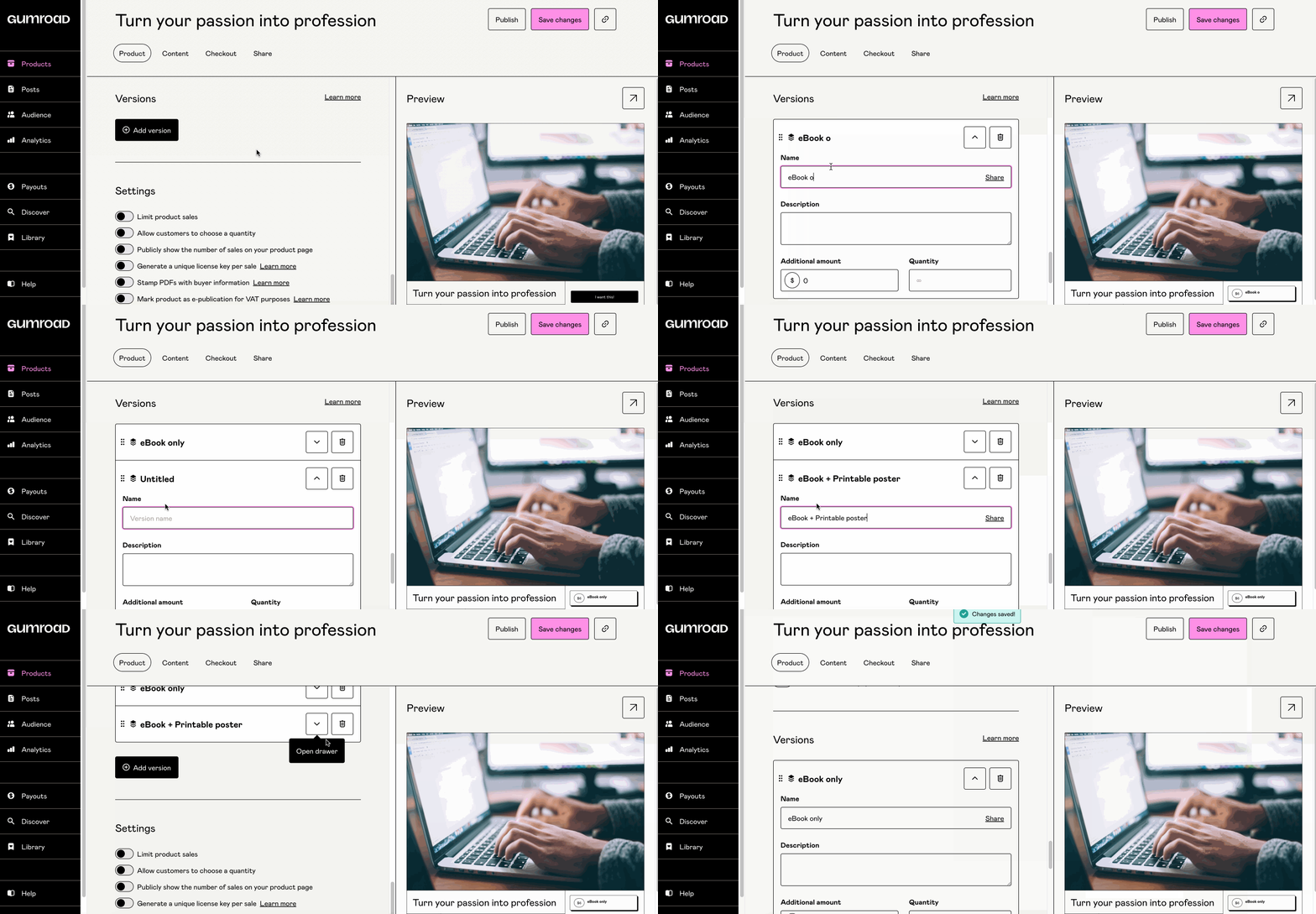
Go to your product's "Product" tab, scroll to the "Versions" section, and click "Add version".
Give your version a name, a description, an additional amount on top of the product's base price, and a quantity if you want to limit version sales.
You can add multiple versions by clicking the "Add version" button.
Add a free version
If your product's base price is $0, adding a paid version won't automatically create a free version. To sell both a free and a paid version of your product, add another version and enter the "Additional amount" as $0.
Adding different content to your versions
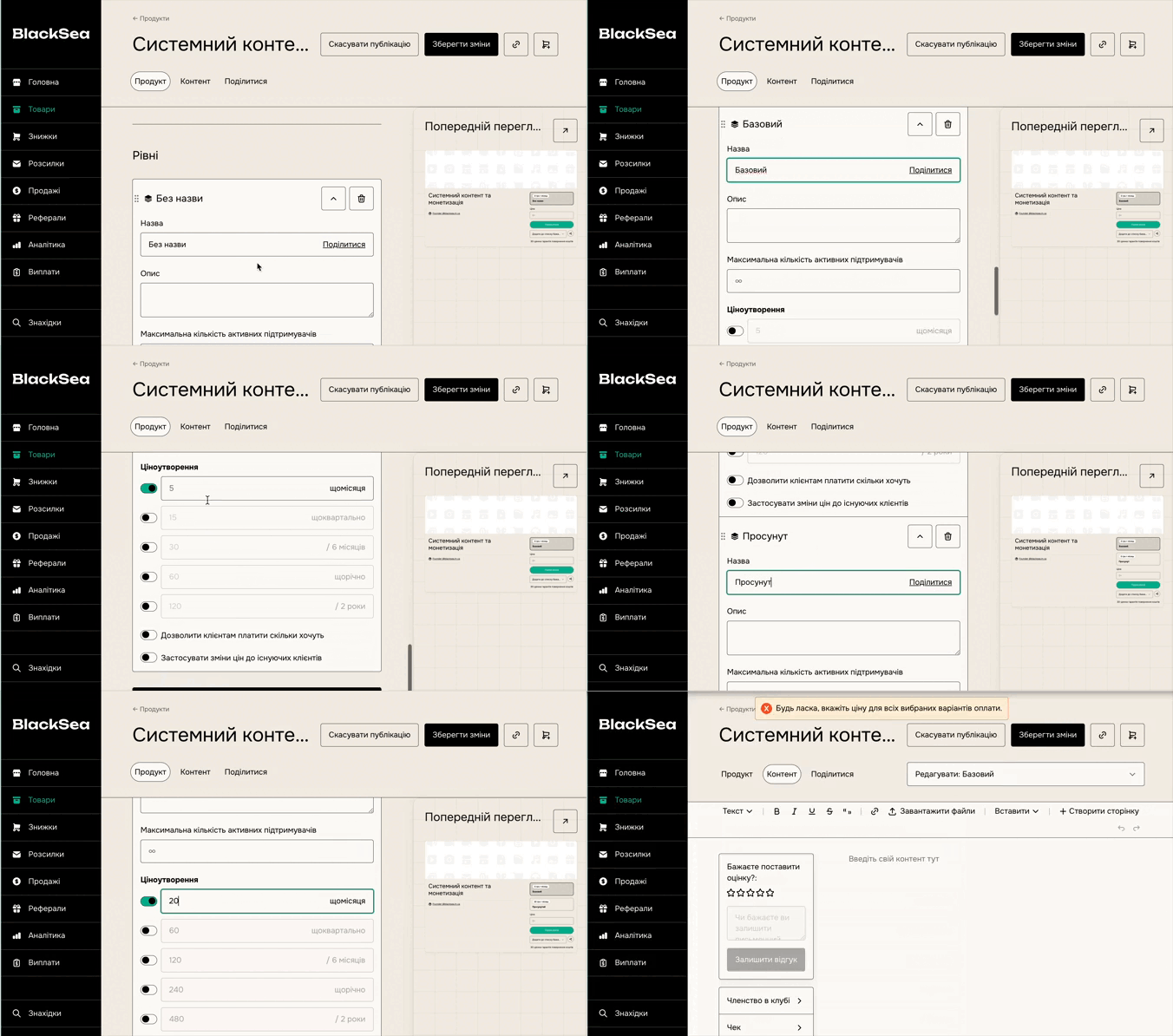
Go to the "Content" tab, select the version you want to add content to, and start typing! You can add files inline, videos (download or streaming only), stamped PDFs, and much more — right from the editor!

Share a version
You can send customers to a specific version by clicking the "Share" button next to the version name.
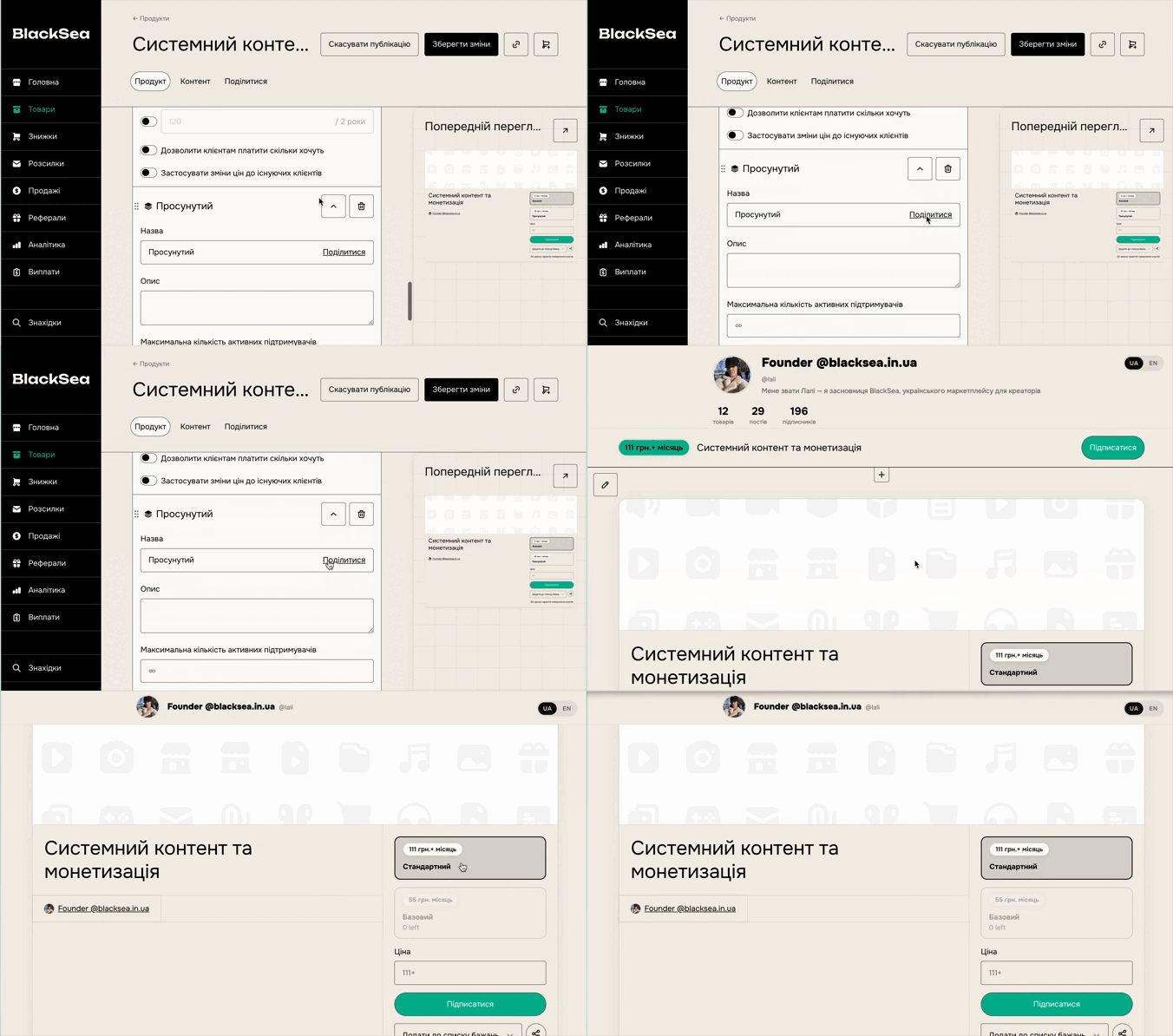
Reorder versions
If you want to change the display order of your versions, click and drag a version from its left edge and place them in the order you want.
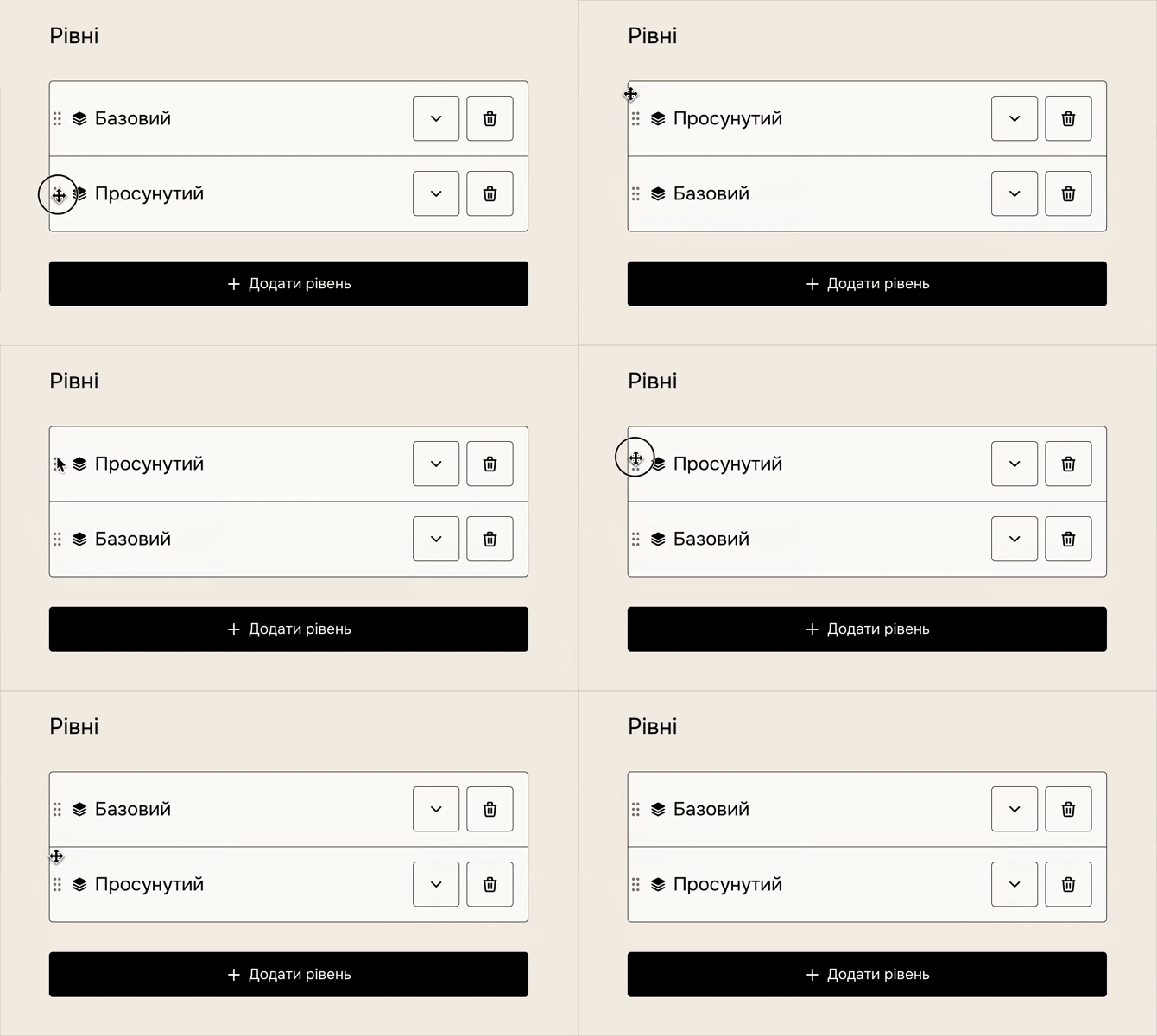
Delete a version
Click the trash icon next to a version name to delete it.
If you delete a version, the content associated with it is also deleted. Your existing customers who purchased it will see the content of the cheapest current version as a fallback. If no version exists, they'll see the product-level content.
To avoid any confusion, we recommend reassigning a customer to another version that will remain active before deleting a version.
Reassign a customer to another version
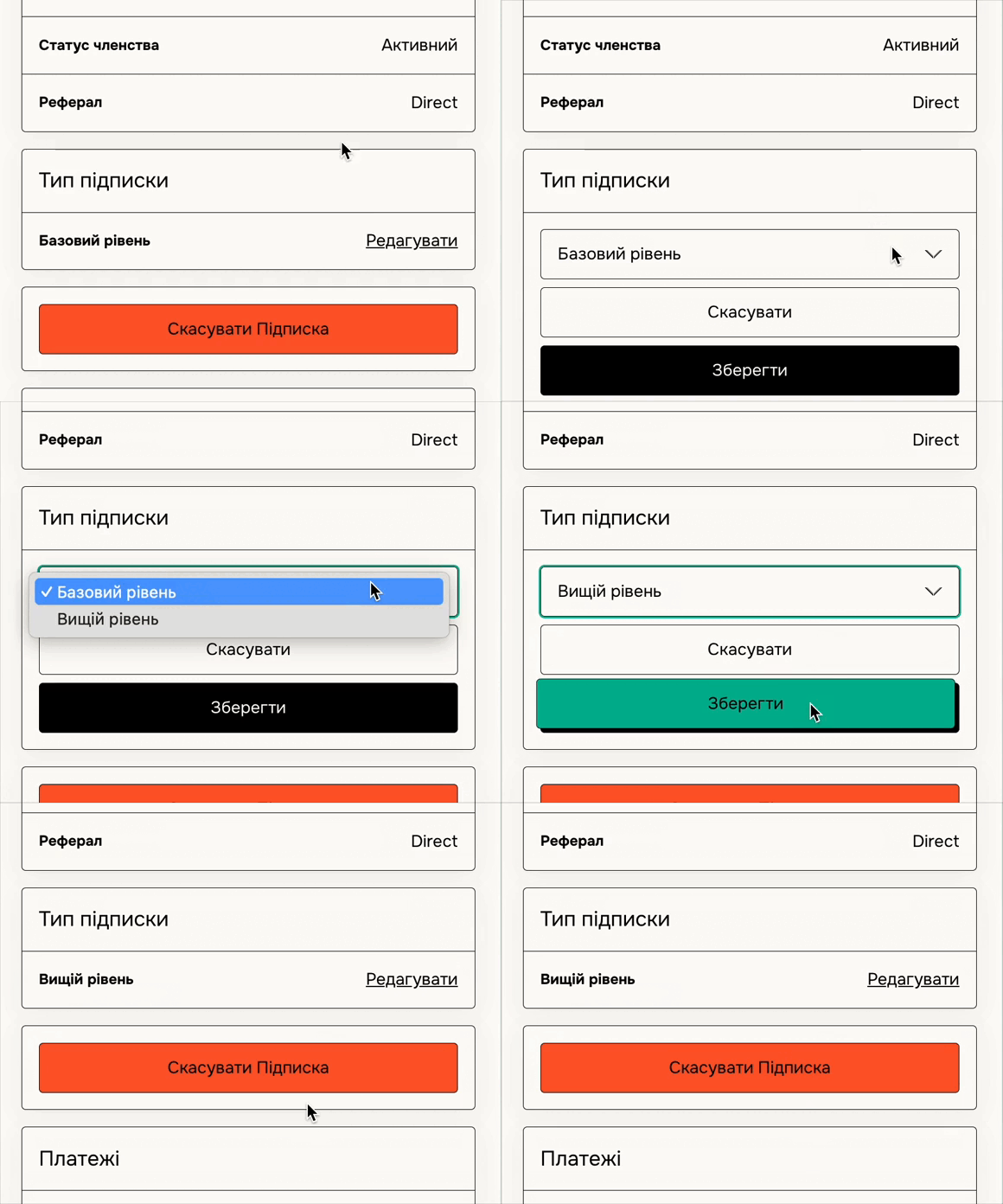
Go to your Sales dashboard and select the purchase you want to change the version for. Scroll to the version, click Edit, and select the new version.
This does not charge or refund the customer, it simply gives them access to the new version's files.