Help

Categories
Customize and Share Your Product's URL
To find the URL of the incredible product you just created, you need to go to your products dashboard:
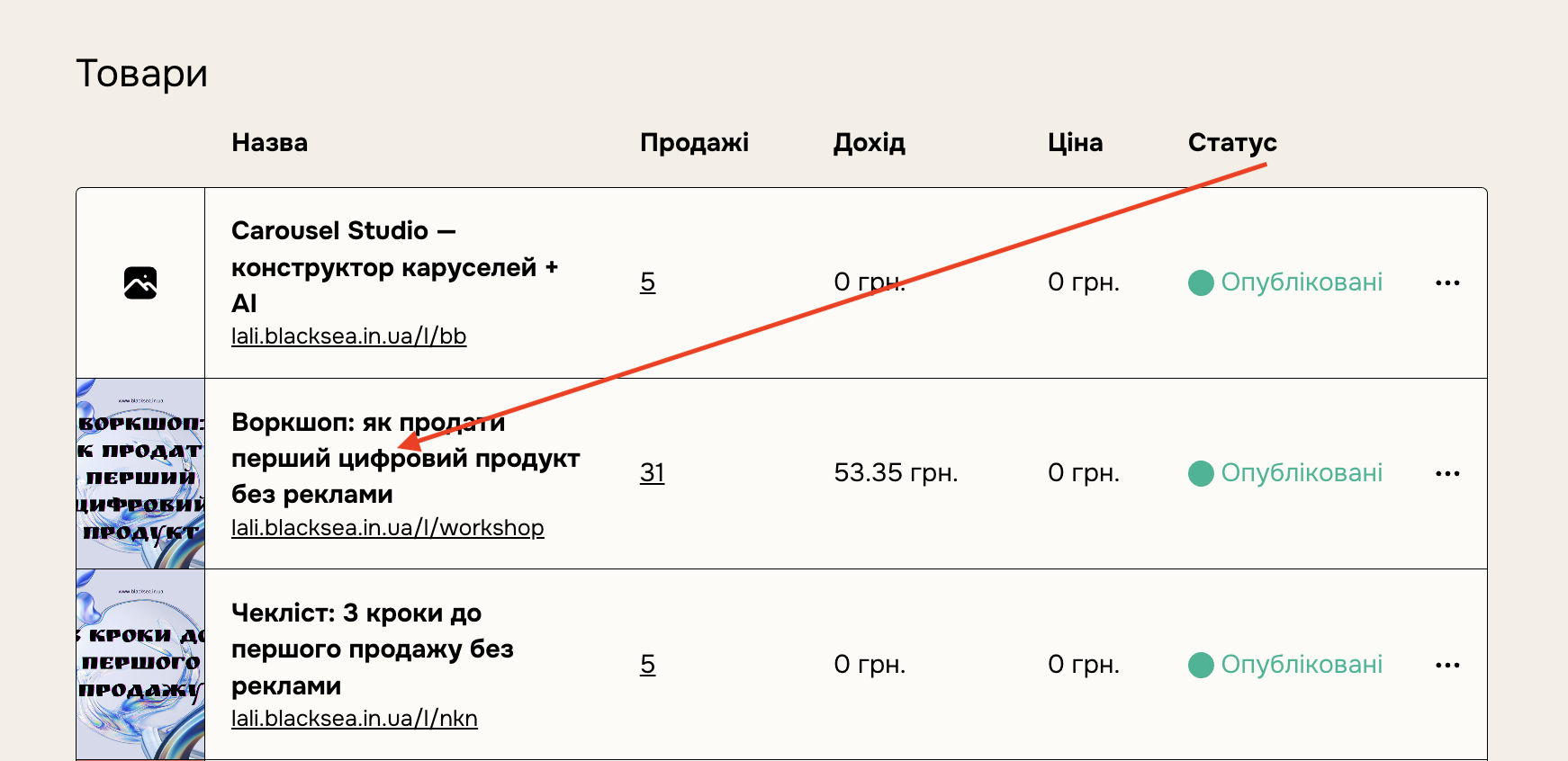
Select the specific product and click Copy URL and you're done!
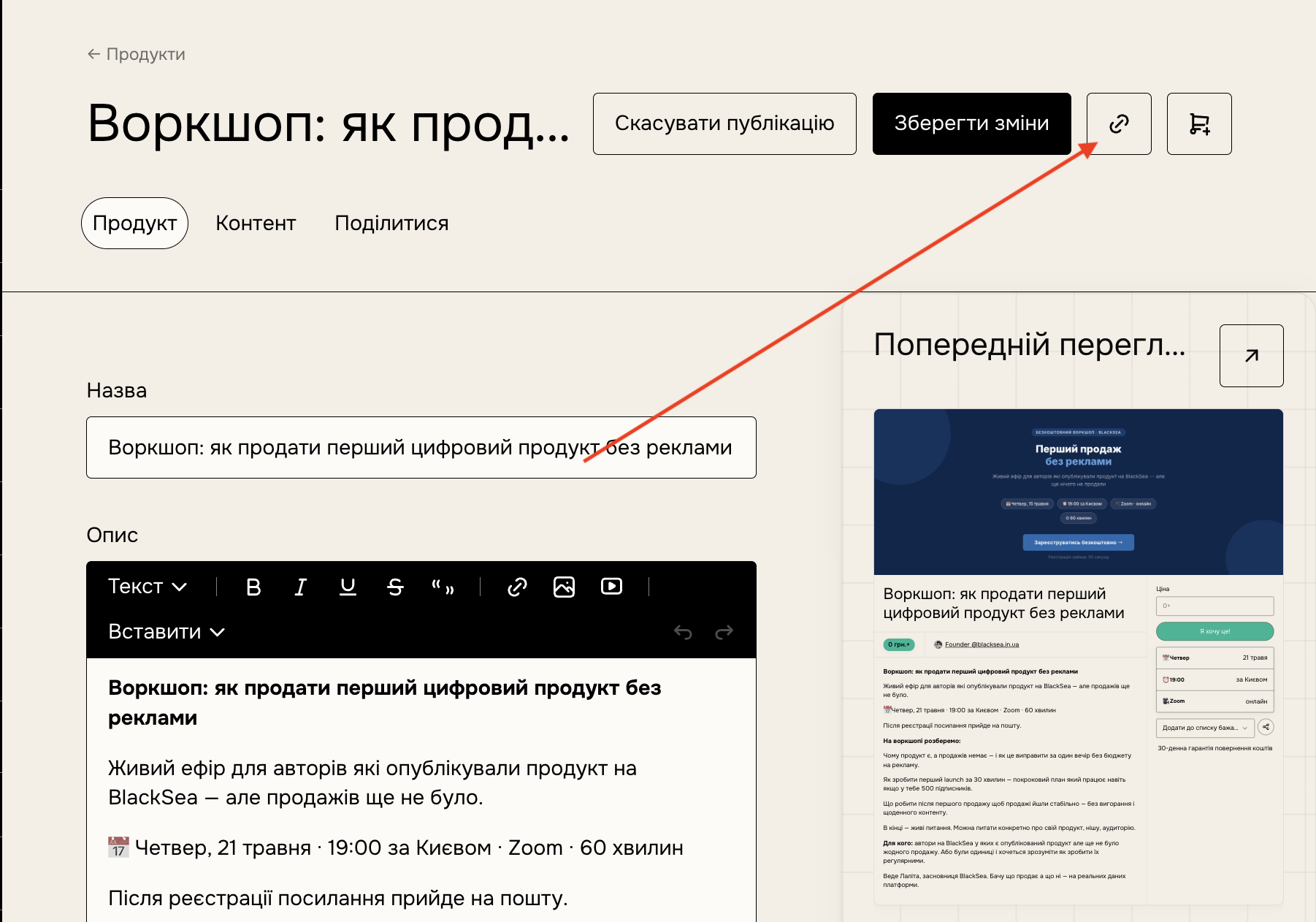
You can also find your product's URL on the "Share" tab:
From the "Share" tab:
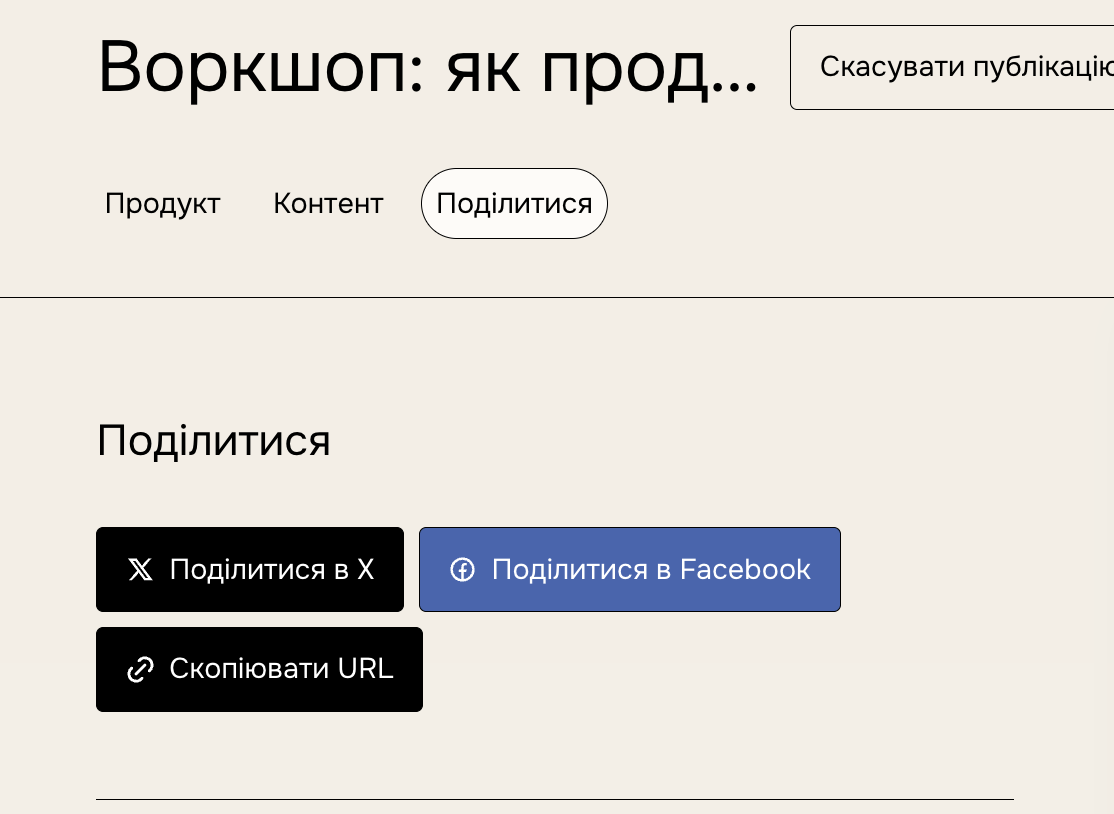
Just click Share while editing the product and click Copy URL
Changing or customizing your product's URL
You can change your product's URL by going to the product's URL field and changing the URL suffix or "Product ID". Enter the auto-generated ID and click "Save changes" to create a custom URL.
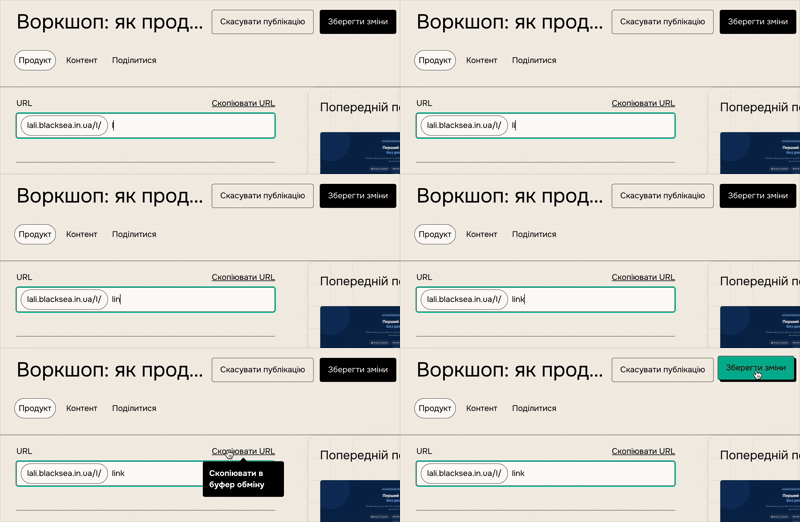
You can update this link at any time, but your previous custom URL will not redirect to the new custom URL.
Your default BlackSea product link will also continue to work.
Best practices
- Use lowercase letters and hyphens (-) for clarity.
- Keep it short and descriptive.
- Avoid using sensitive or misleading terms.