Help

Categories
Cancel customer memberships
To cancel an individual customer's subscription, just go to your Sales dashboard, find their name or email, and click Cancel subscription.
However, as a creator, you also have these options:
Prevent new customers from subscribing
If you want to keep all your existing subscribers and stop accepting new ones, just unpublish the product. New customers won't be able to buy or find the product, while existing customers will continue to be charged and have access to their files.
Deleting a membership product
To cancel the subscription for all customers, go to your Products dashboard, hover over the product you want to delete, and click the "Delete" button on the right.
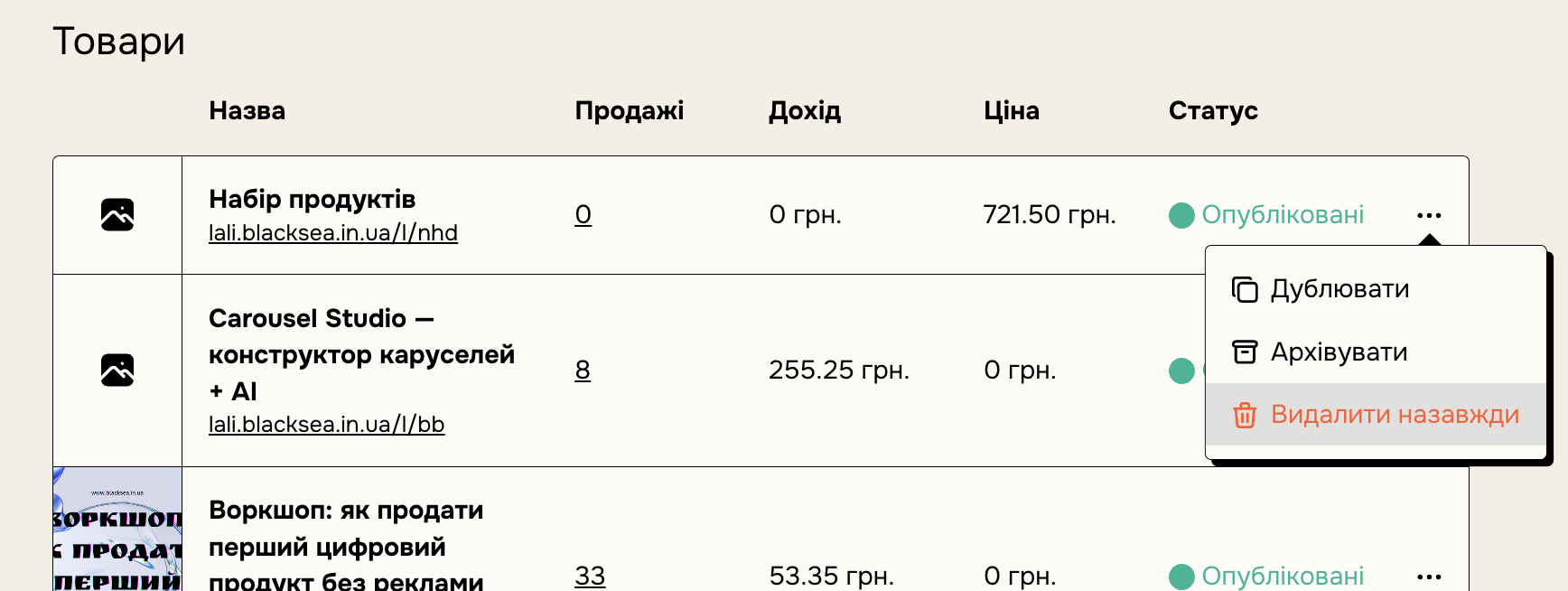
This option cancels the subscriptions of all your current customers. They will no longer be charged and will no longer have access to your product. Your product will no longer be public.
Fixed-length subscriptions
When creating a product, you can set the subscription to end after a set number of months.