Help

Your BlackSea Library
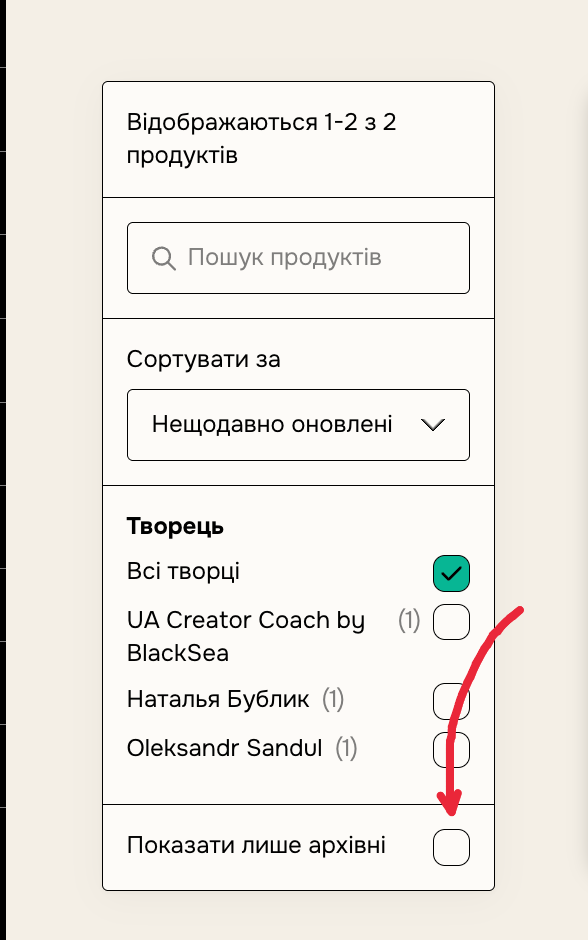
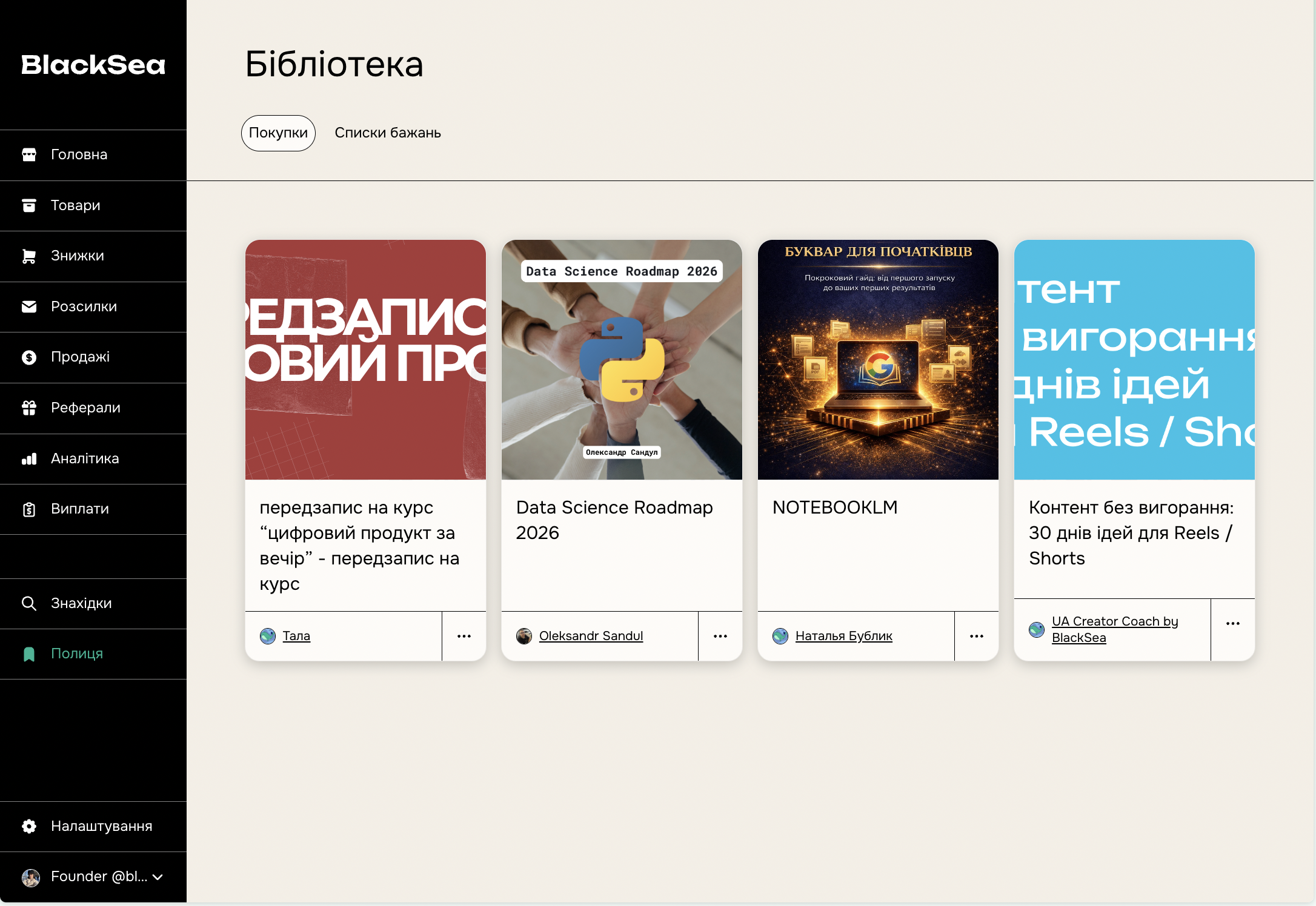
Your library is the place where you can find all of your BlackSea purchases. You can filter your Library by the product or creator’s name or sort it based on recent activity or purchase date.
How do I get a BlackSea library?
You don't need an account to make purchases on BlackSea. However, you'd need one if you want to have your library with all of your purchases in a single place.
If you create a new BlackSea account, you can access your library immediately from here. Be sure to sign up with the same email address you used to buy products, so your purchases can be automatically synced with your new account.
Removing and restoring products
In your BlackSea library, simply scroll to the product that you want to archive or delete and click the three dots on the bottom-right that appear when you hover over the product.
If you want to permanently remove the product, click "Delete permanently".
If you simply don't want to see the product in your library but might want to access it later, archive it.
You can easily see your archived products again by clicking “Show archived only” on the left side of your screen, and unarchive them again from the three-dots menu.