Help

Categories
The payouts dashboard
In this article:
Reading the payouts dashboard
The payouts dashboard shows each payout: the sales date range, total sales, deductions, and the net payout amount.
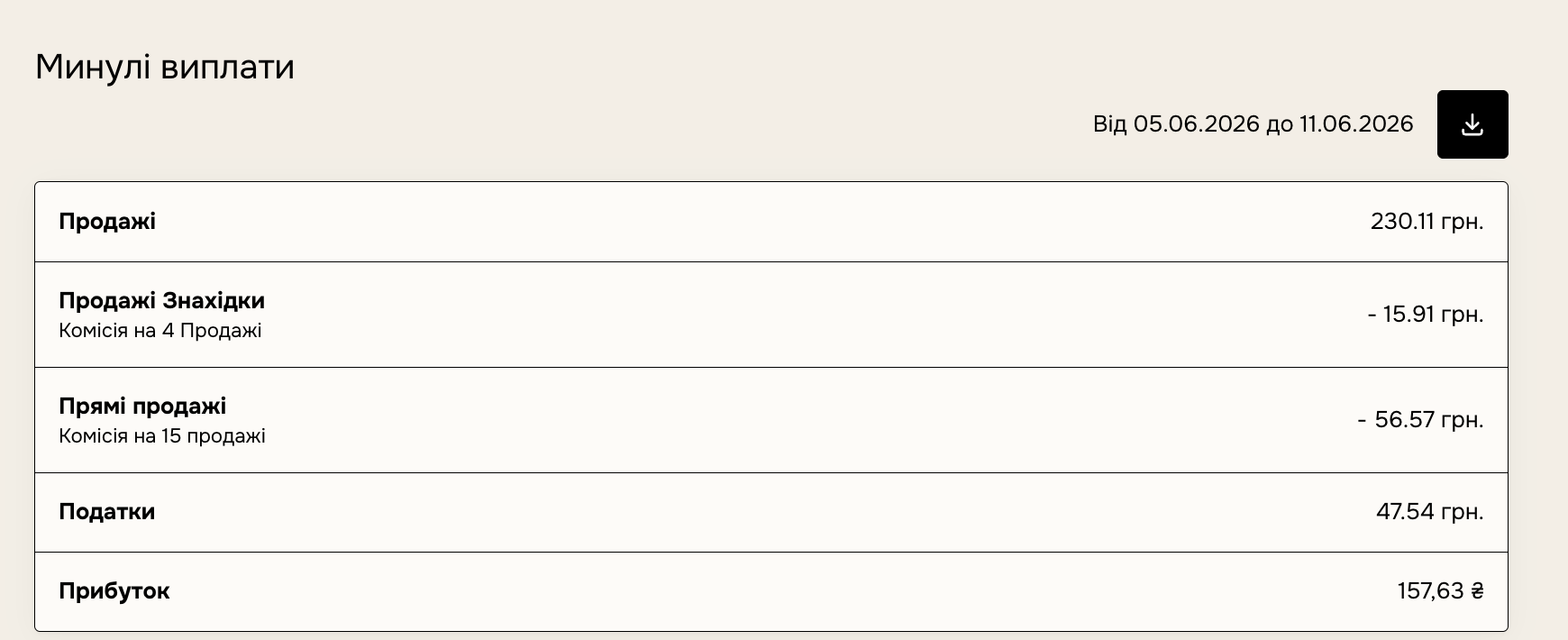
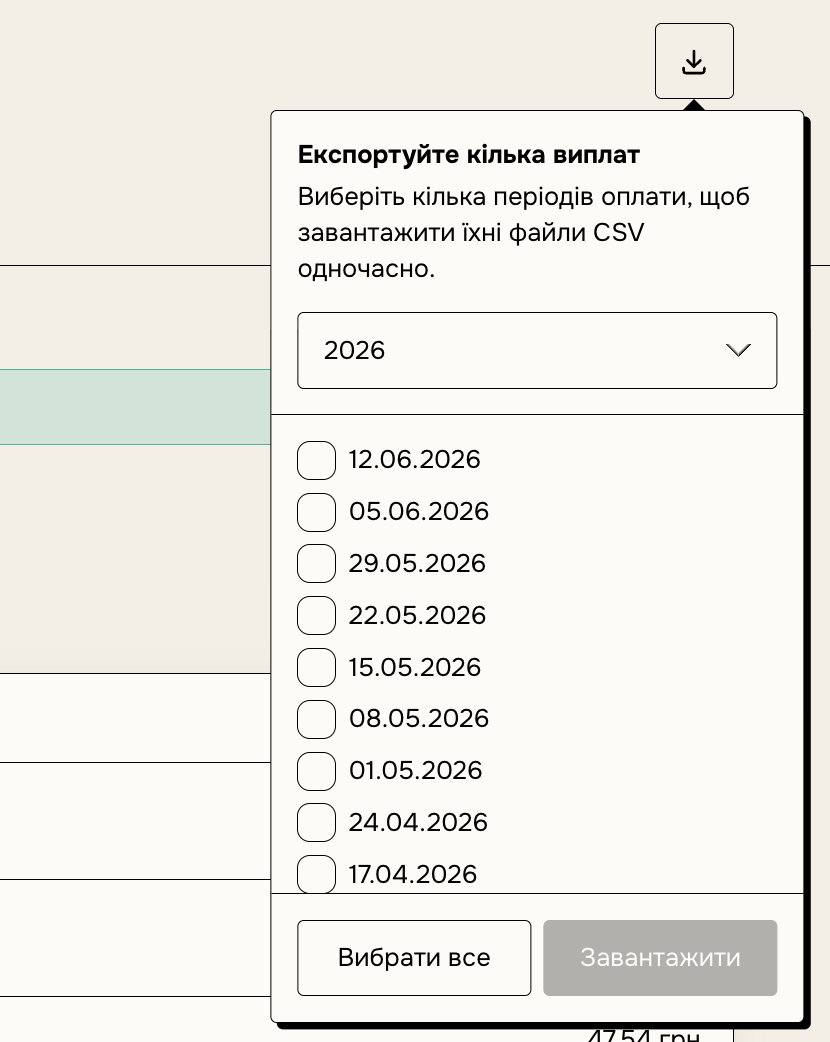
You can export a CSV of each payout after it's made. Click the download button next to the payout period — and the CSV will be sent to your email. You can download multiple reports using the download button in the top-right.
Note: the sales totals for one period on the payouts page and the analytics page may differ slightly. This is because the payouts page is synced to UTC, while the rest of the dashboard uses your account's time zone from settings.
How the payout period works
Every Friday you receive the whole balance accumulated by the payout day. There is no waiting period after a sale: a sale made this week is part of this Friday's payout.
For example, if the payout day is Friday the 14th, on that day you'll receive funds for every sale not yet paid out, including those from the 8th–13th. A balance under 100 UAH carries over to the next Friday.
Account under review
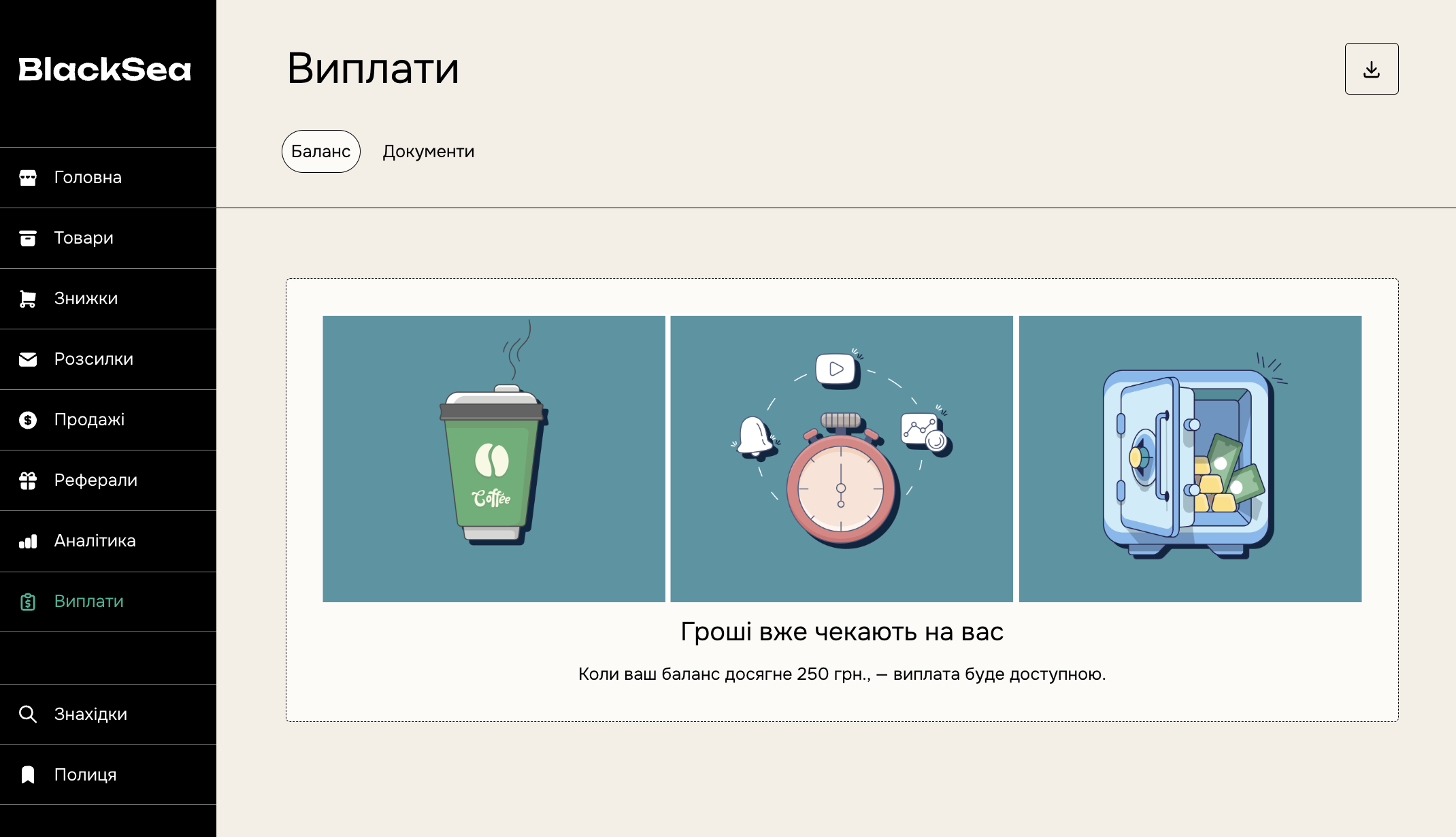
If you recently started selling, or we notified you about unusual activity, you'll see that your account is under review. For more about reviews, see the article on getting paid.
You'll see the payout date once the review is complete.