Help

Wishlists
In this article:
Wishlists are a great way to save products you want to buy later. You can create multiple lists for different categories and even make them public to share. Try browsing BlackSea Discover and saving interesting products to your wishlist!
Creating wishlists
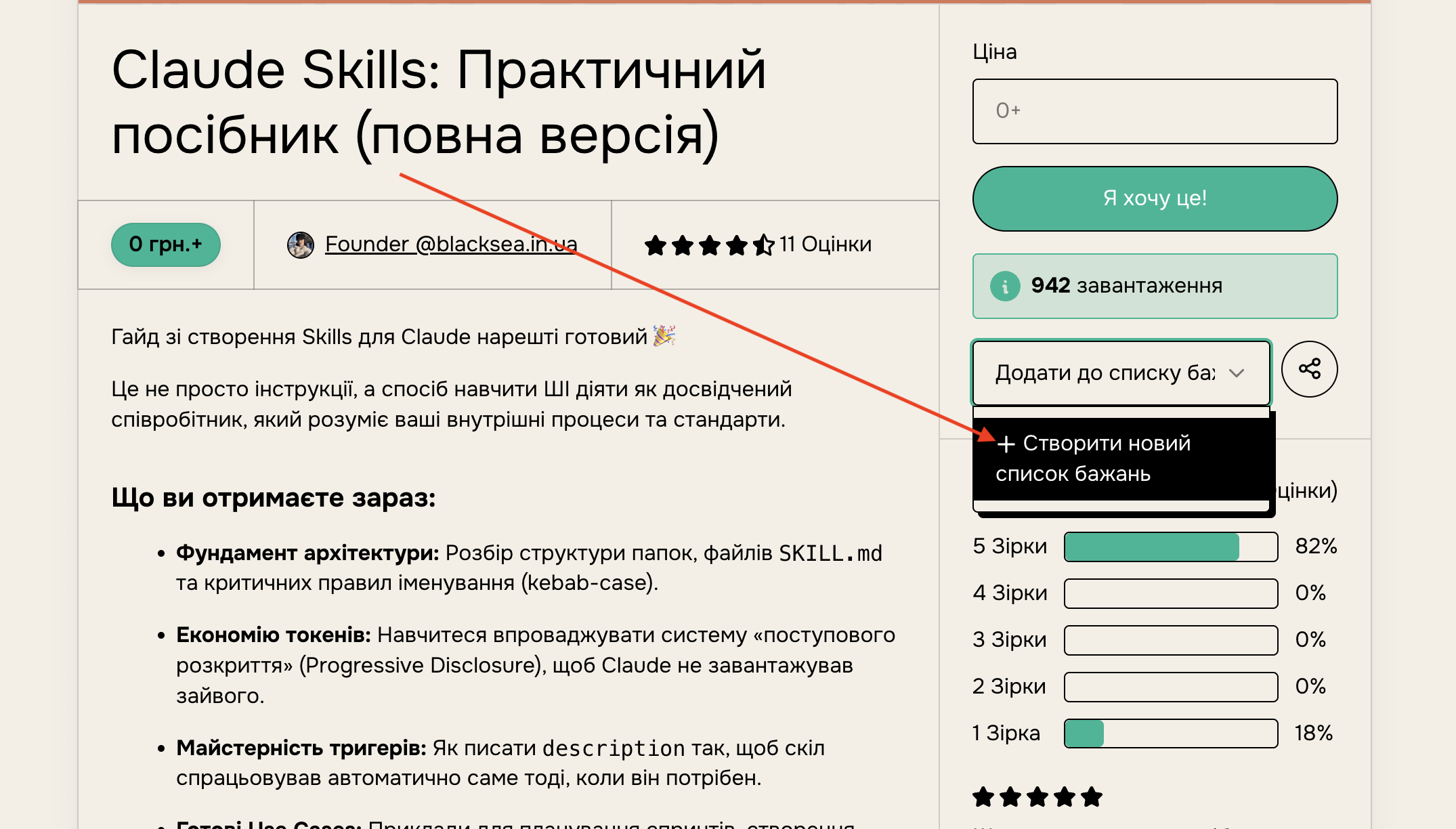
To create a wishlist, go to the page of any product you want to save and click the "Add to wishlist" button in the right column. A dropdown will show your already-created lists and an option to create a new one.
Viewing and editing your wishlists
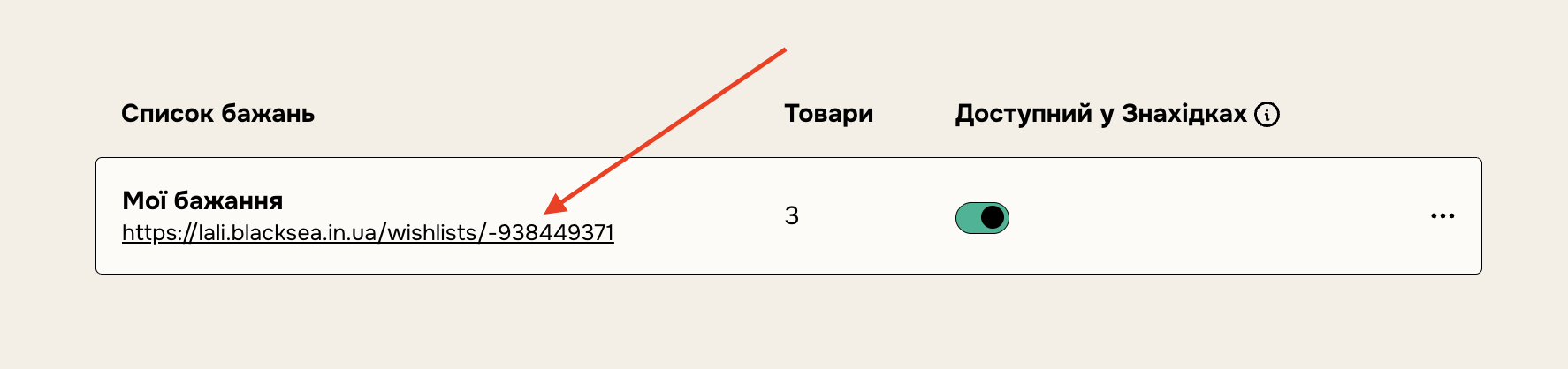
Once you've created a list and added products to it, you'll see your lists on the "Saved" tab in your library. You can also delete a list here by clicking the three dots on the right.
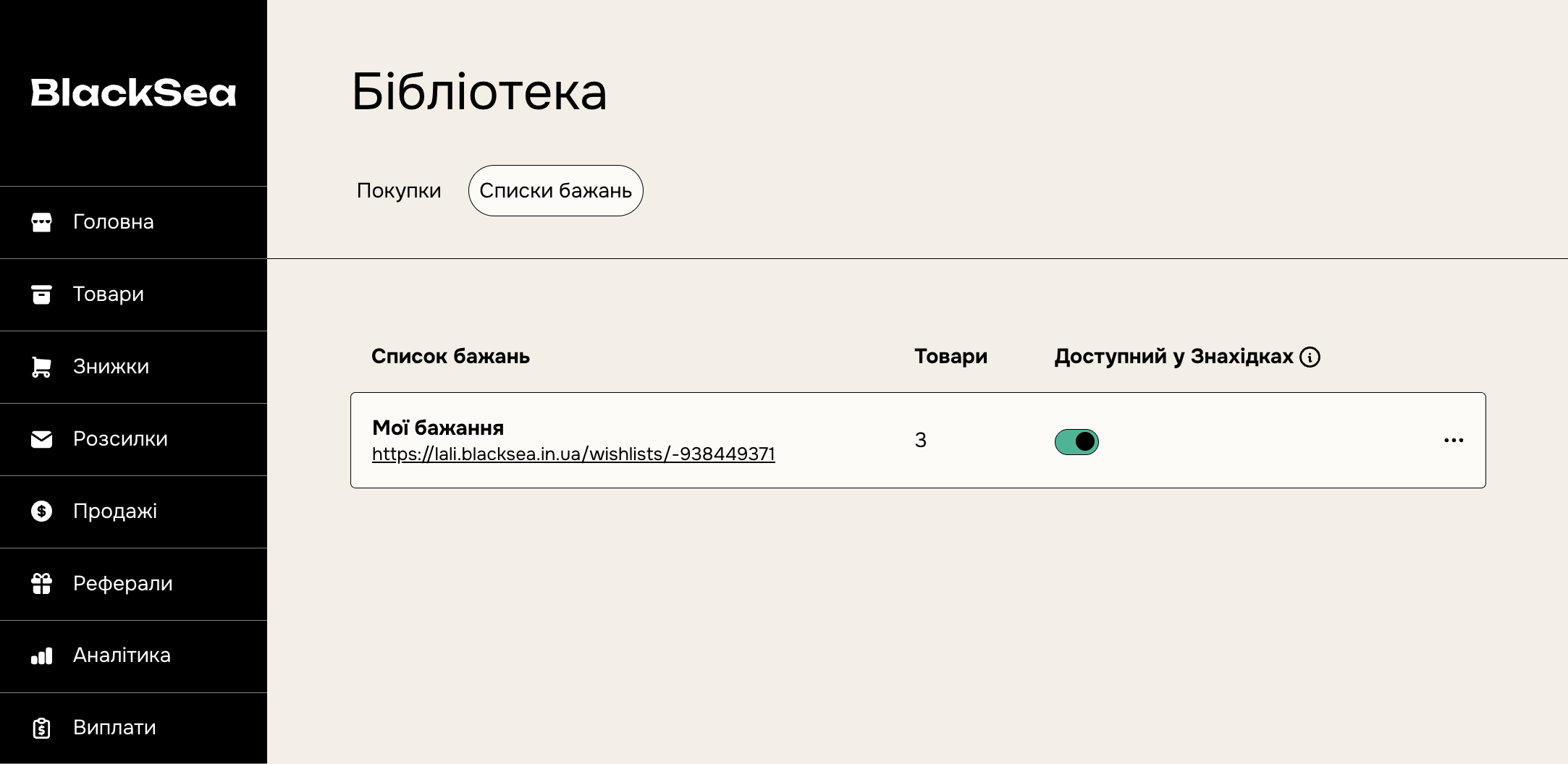
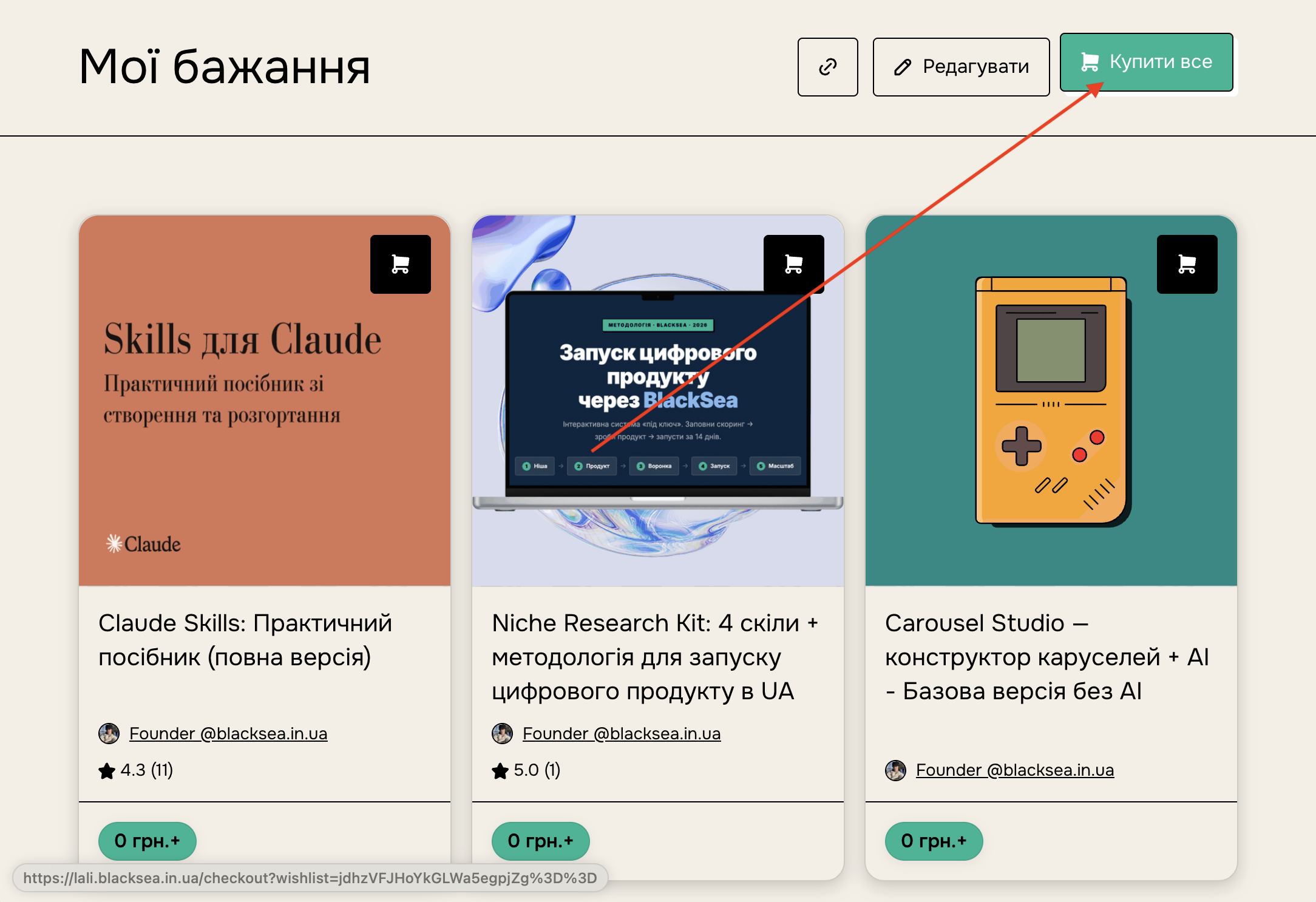
Clicking the name or URL takes you to the public wishlist page, where you can:
- change the list name;
- edit the products in the list;
- copy the link to the list to share it;
- click "Buy this list" — and you'll go to the cart with all available products. If a product is unavailable, it won't be added to the cart during checkout.
Sharing wishlists
The link under the list name is a public URL that others can see.