Help

Categories
Tipping
What are tips? Tips are optional extra payments customers can add to their purchase to show additional support for your work.
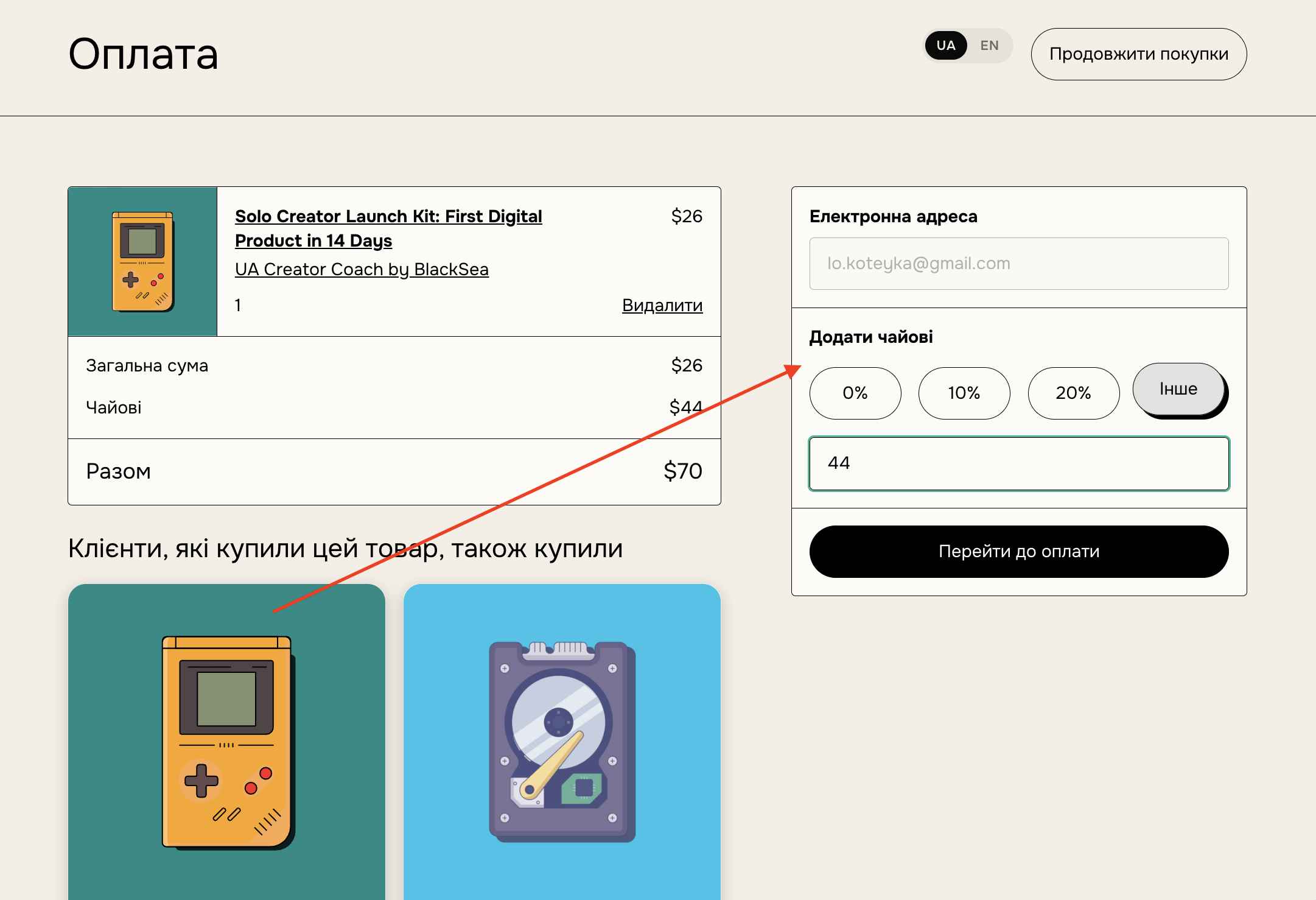
How to enable tipping:
Tipping is turned on by default. To turn it off:
- Go to your BlackSea dashboard
- Navigate to the Tipping section on the Checkout form page
- Toggle on "Allow customers to add tips for their orders"
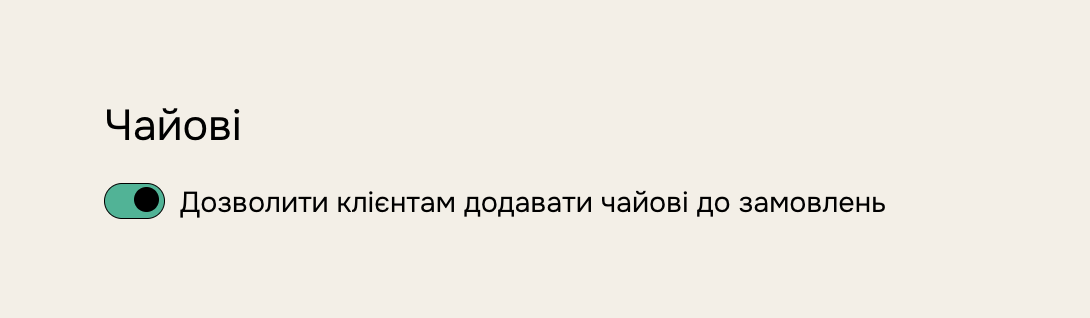
Tip visibility:
- When enabled, the tipping option appears during checkout
- Customers can choose to add a tip before completing their purchase
Financial details:
- You receive 100% of tips, minus the standard BlackSea commission
- Tips are included in your regular BlackSea payouts
Tracking tips:
- View tip amounts in your sales reports
- Tips are listed separately from product prices
Best practices:
- Consider mentioning the tipping option in your product descriptions
- Thank customers who leave tips in your post-purchase communications
- Regularly review your tipping data to understand customer behavior
Things to note:
- Tipping is entirely optional for customers
- Enabling tips doesn't affect your product pricing
- Tips can't be refunded separately from the main purchase
Troubleshooting:
If tips aren't appearing at checkout:
- Double-check that you've enabled tipping in your settings
- Ensure your checkout page is up to date
- Contact BlackSea support if the issue persists
By enabling tipping, you're giving your most supportive customers an easy way to provide additional compensation for your work. Monitor your tipping data to gauge its impact on your overall earnings.