Help

Categories
Customers not receiving receipts
If your customer didn't receive a receipt, here are a few common reasons.
Reason #1: The purchase didn't go through properly
Sometimes a card payment shows as successful or "pending" even though it didn't actually go through. You can check this by opening the customers tab and searching for the customer by name or address…
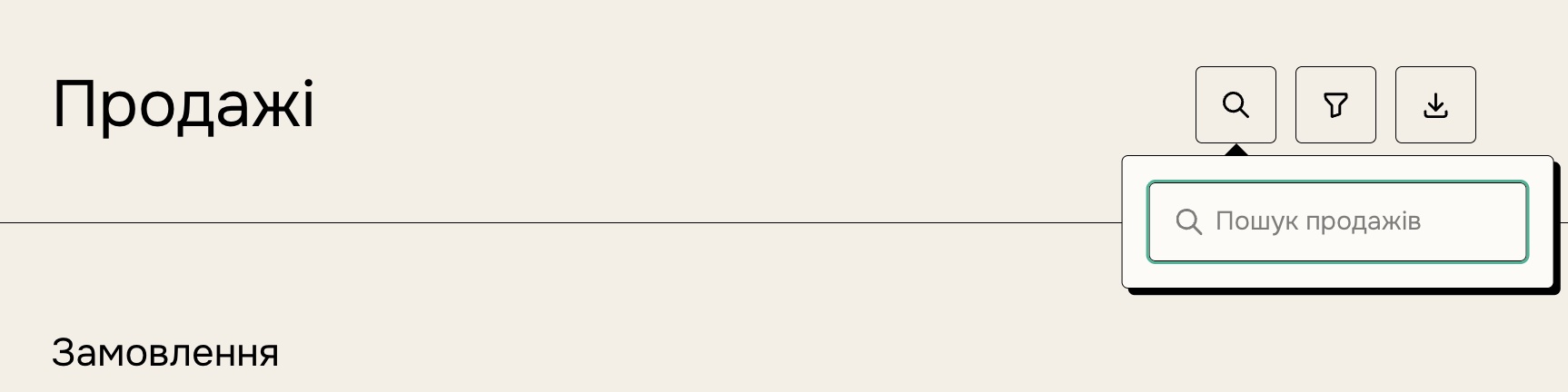
…or by browsing purchases by date.
If the customer isn't there — their purchase wasn't completed.
In that case, the charge will disappear from their statement within a few days.
What next?
The customer needs to go to your product's URL and try to buy again. Here's how to find your product's URL.
If you see that a payment is "pending" and not completing, the customer should contact us through the form in the Help Center so we can help.
Reason #2: The customer mistyped their address during checkout
Open the customers tab and find the customer by name or address (letter by letter). If the address really was entered incorrectly, here's how to fix it:
Click the customer's name or address — a card will slide out on the right. Click "Edit" next to the address, correct the details, and click "Save".
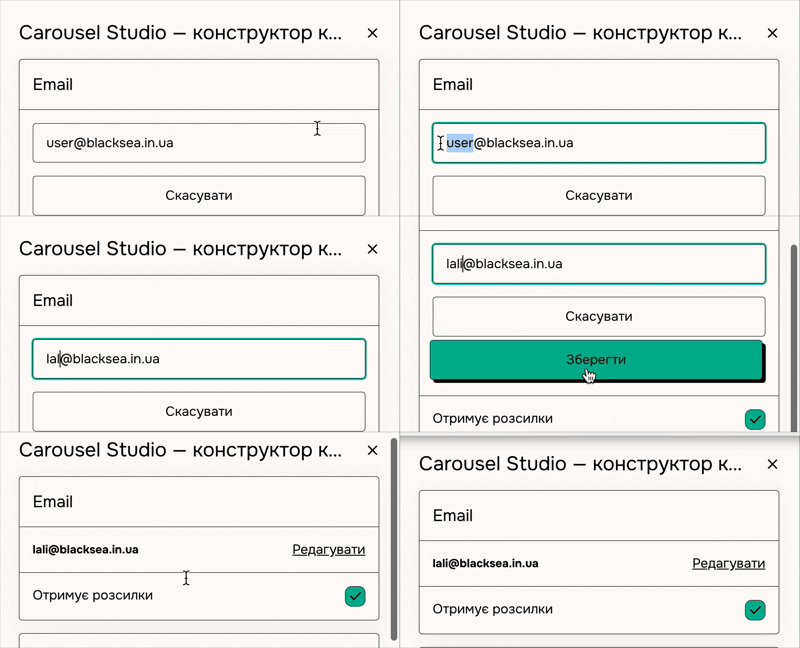
Then scroll to the "Emails received" section and resend the missed emails. Click "Resend receipt" to send the receipt.
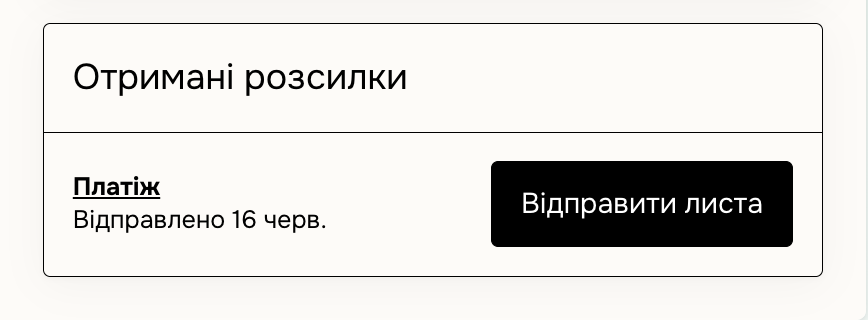
BUT… there's no "Edit" button next to the address. Why?
This means the customer created an account after the purchase using the incorrect address. We don't allow creators to edit the address of someone else's account, because that could be abused (logging in to someone else's account and making purchases with their payment details).
So here's what to do — let us fix it:
Write to us:
1. which address the customer used during the purchase;
2. which address it needs to be changed to.
And we'll sort it out!
Reason #3: The customer's mail server is blocking BlackSea emails
Check this on the customers tab: find the customer, open their purchase, and scroll to the "Emails received" section.
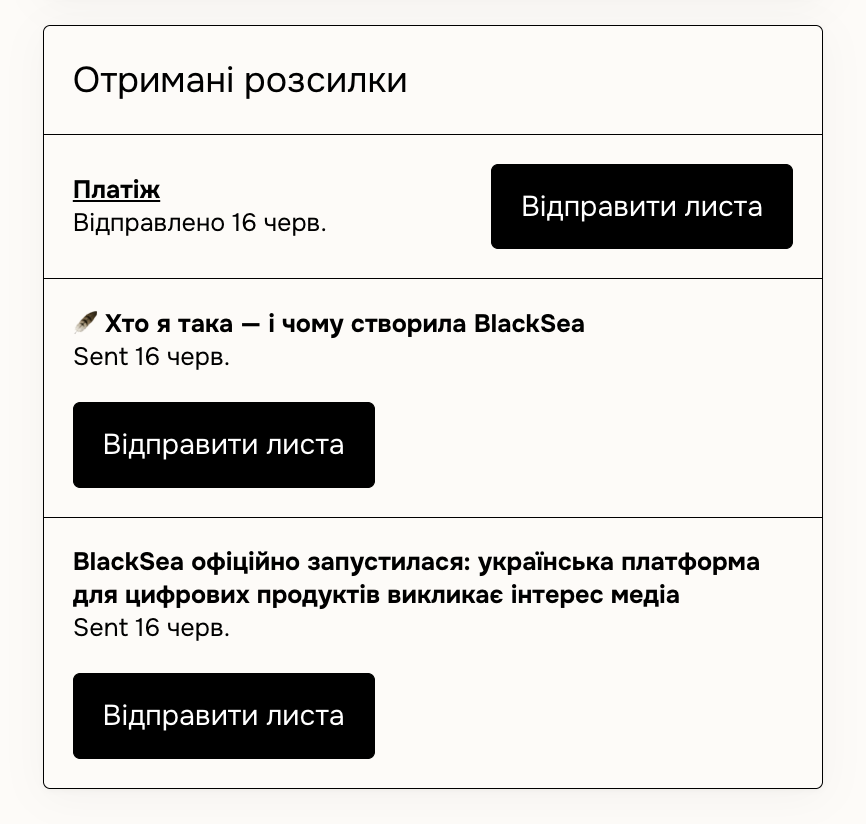
Under each email or receipt you'll see a status of "Sent", "Delivered", or "Opened".
If the status is "Sent" or "Delivered" — the email most likely reached the inbox or was delayed behind the mail server's firewall.
What to do:
Option 1: Send the email to a different address
Ask the customer for a different address and send the receipt there (as described above). If you can't change the address — write to us.