Help

Categories
blacksea Discover
In this article:
- Discover eligibility criteria
- Product categories and tags
- More sales with tags
- Filtering products by tag
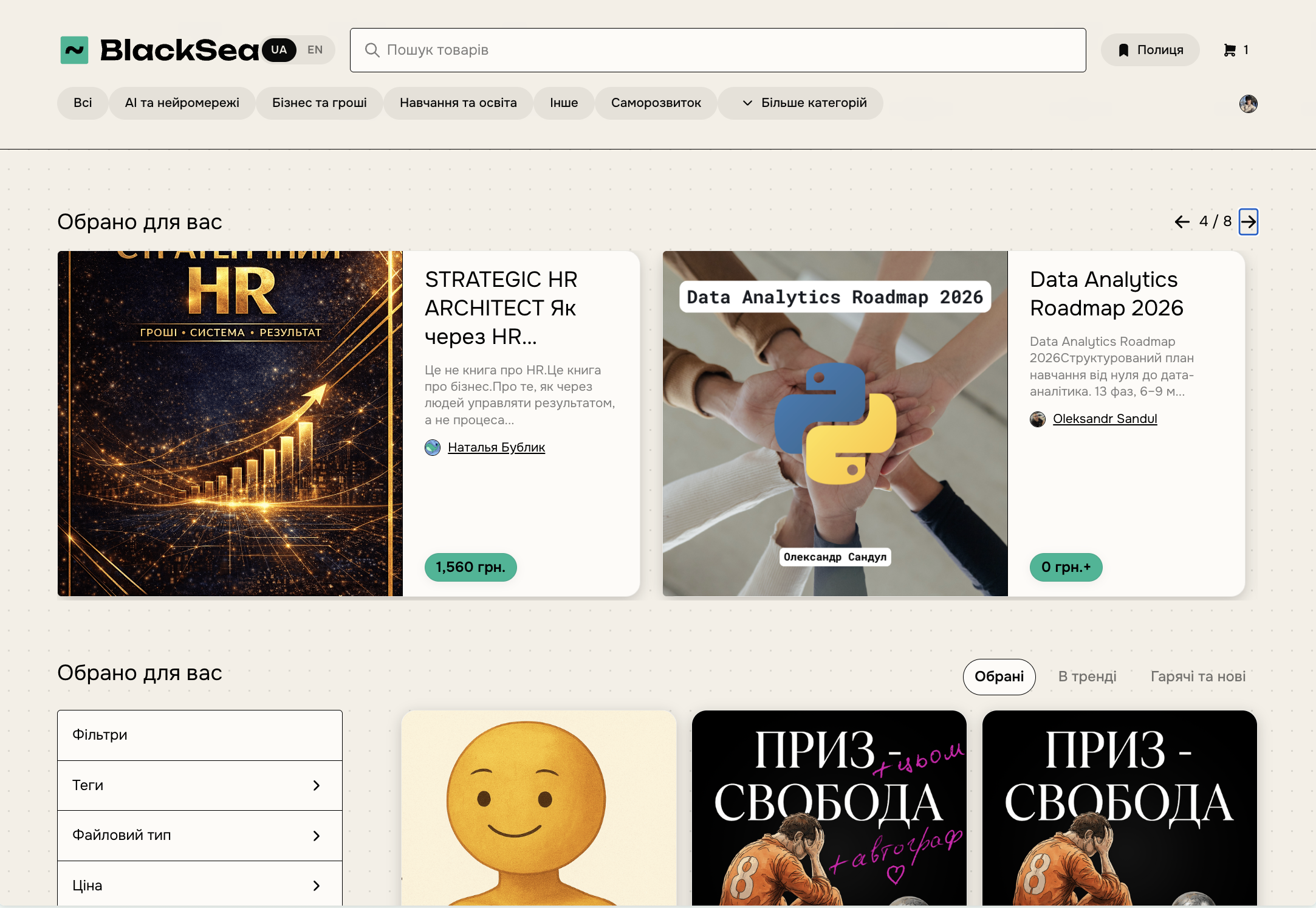
BlackSea Discover recommends your products to prospective buyers, helping you grow beyond your existing audience and find people who may be interested in your work.
Discover eligibility criteria
Account-level criteria:
- completed payout settings;
- a balance of at least $10 (hryvnia equivalent) from real sales (not your own purchases or purchases from relatives);
Once these conditions are met, your product will appear in Discover if:
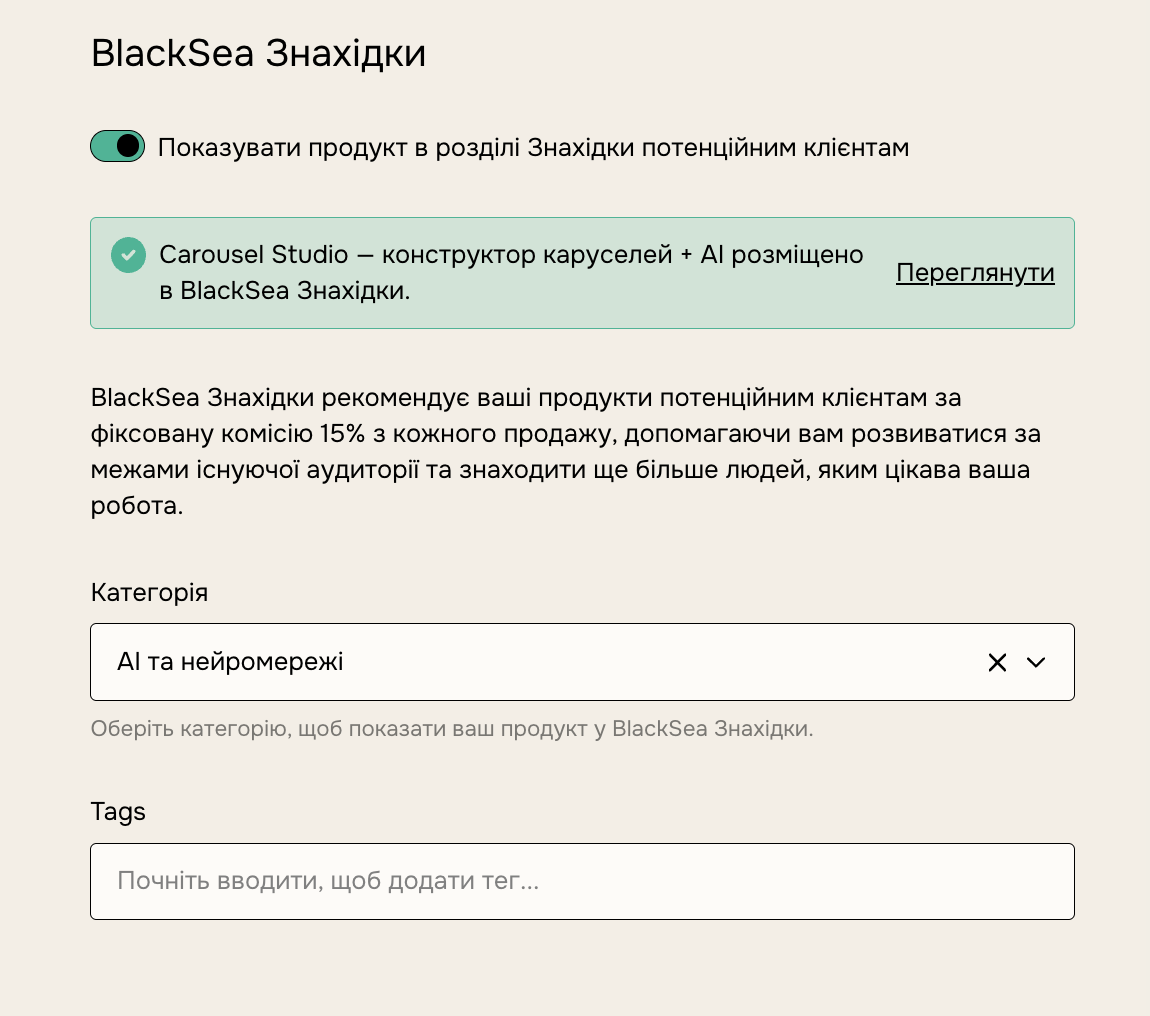
- a category is selected for the product;
- ratings are enabled.
These settings are changed on the "Share" tab of the product edit page.
Product categories and tags
To make it easier for customers to find your products, use categories and tags. When creating a product, you can choose a category and add tags on the "Share" tab.
To add a tag, scroll to the BlackSea Discover section.
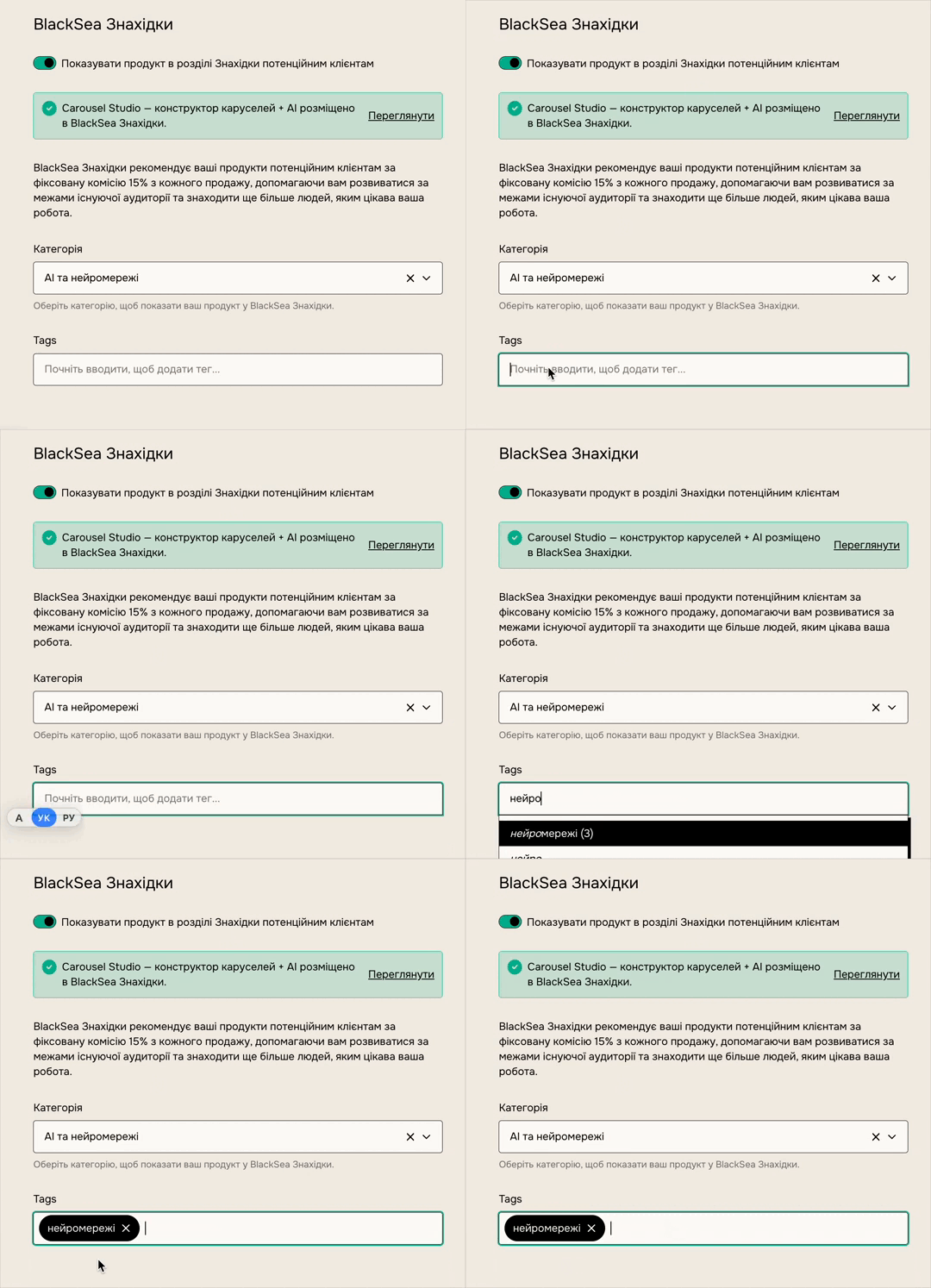
Detailed tags both boost sales in Discover and help customers filter your profile. By default, Discover is enabled for all your products. You can turn it off on the product edit page, on the "Share" tab, by removing the product's category.
More sales with tags
Here's how tags appear within each category in Discover:
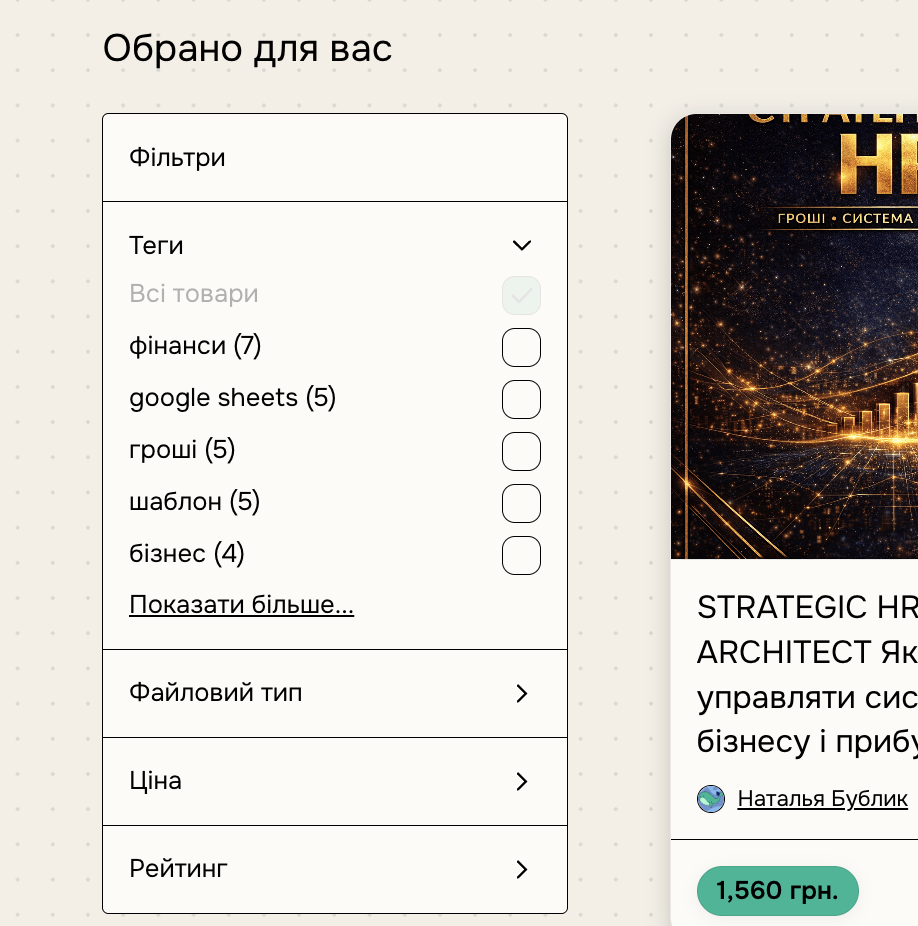
Think about exactly how customers will search for your product, and add relevant tags. The more descriptive and specific your tags, the better your chances of attracting new customers.
Filtering products by tag
- Add tags to all your products.
- Enable product filters on your profile at [username].blacksea.in.ua.
- Direct customers to your profile URL with a tag added: [your profile URL] + ?sort=page_layout&tags=[tag]
For example, to show customers only products with the "tutorial" tag, the URL would look like this: https://username.blacksea.in.ua/?sort=page_layout&tags=tutorial