Help

Get to know your blacksea receipt
In this article:
- Access your purchased content
- Payment receipt
- Unsubscribe from emails
- Cancel a membership
- Contact the seller
Access your purchased content
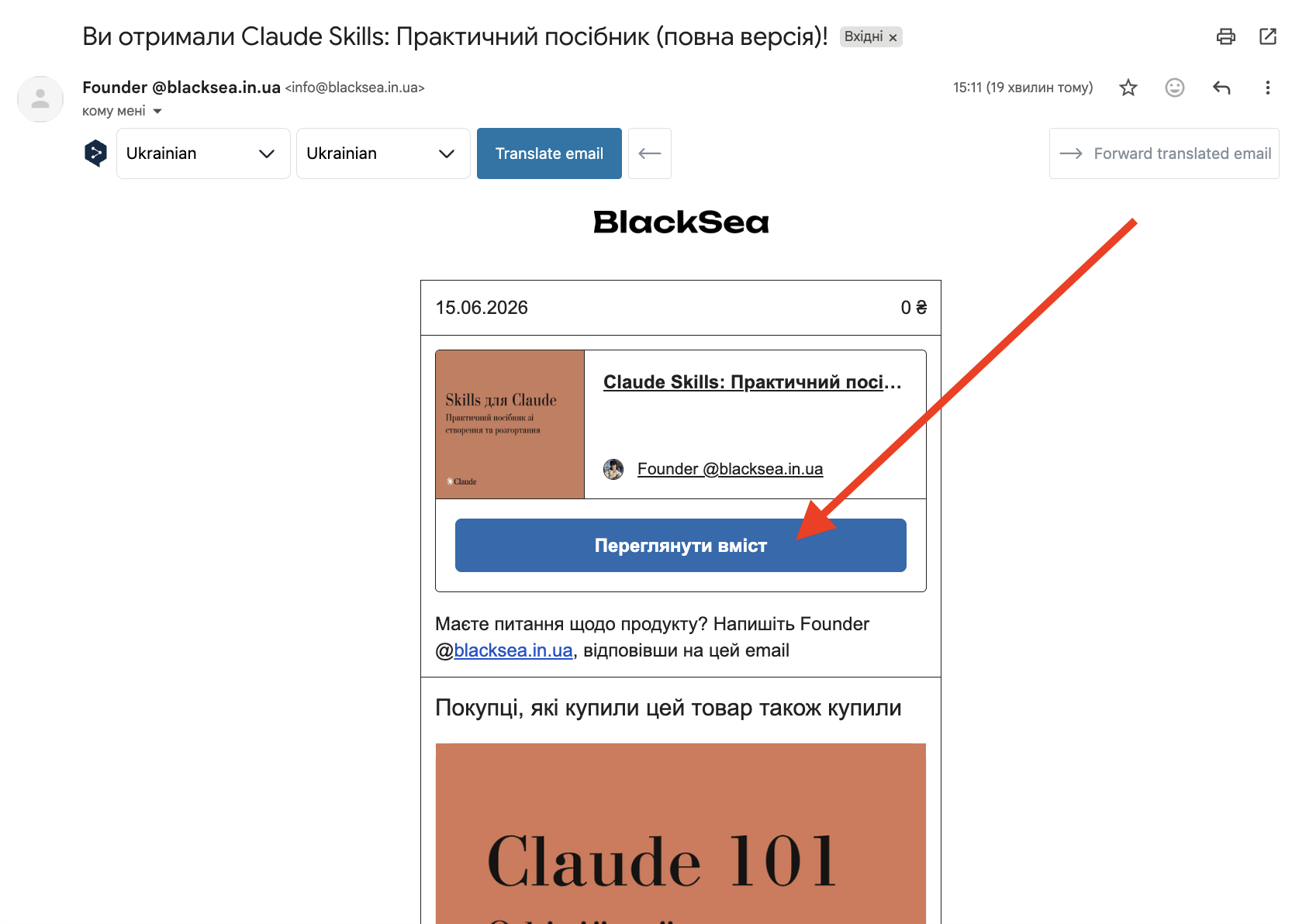
After paying, you'll receive a receipt with a link to your purchased content. Just click "View content" and, when prompted, enter the email you used for the purchase.
Payment receipt
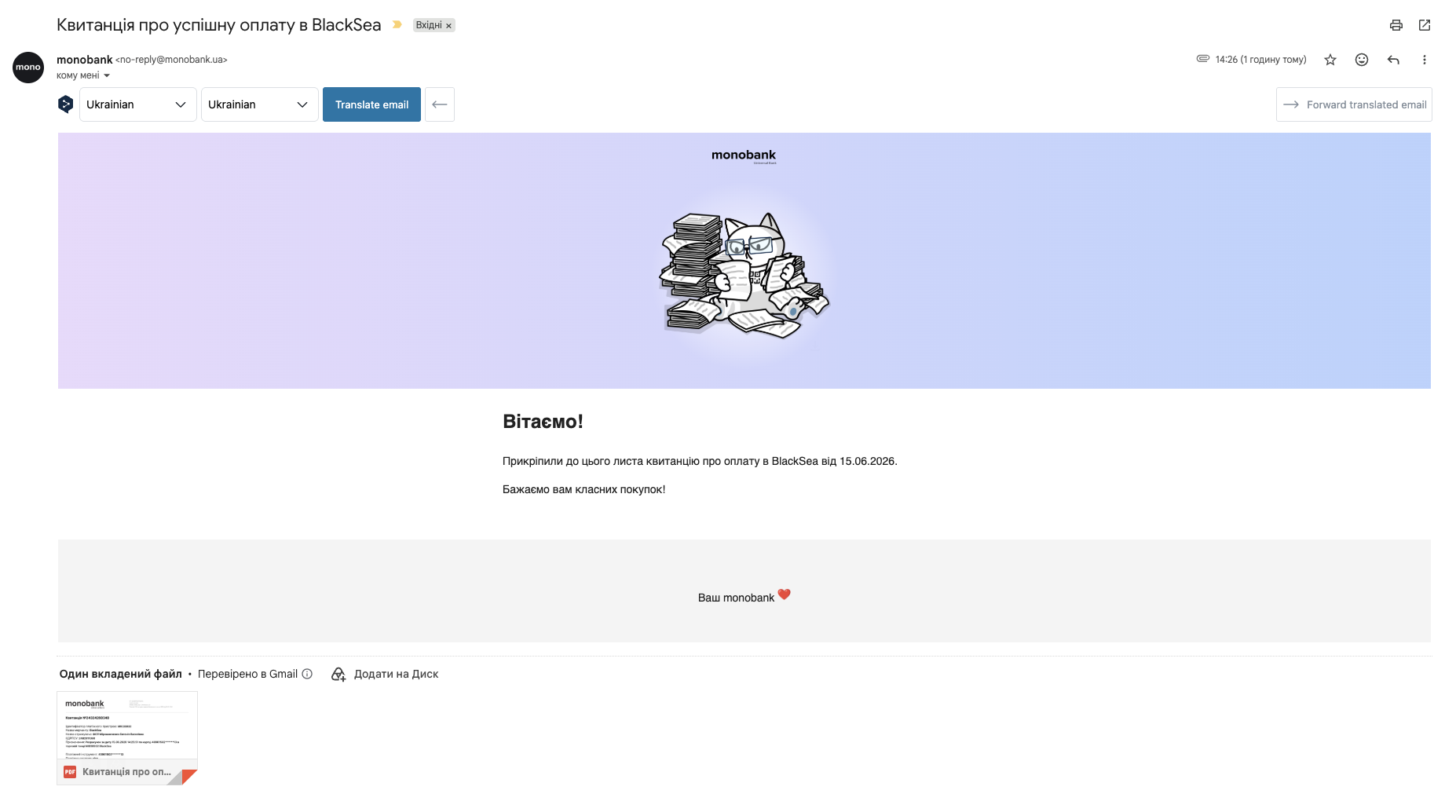
In addition to your BlackSea receipt, after payment you'll receive an email from MonoBank with a payment receipt for the product.
Unsubscribe from emails
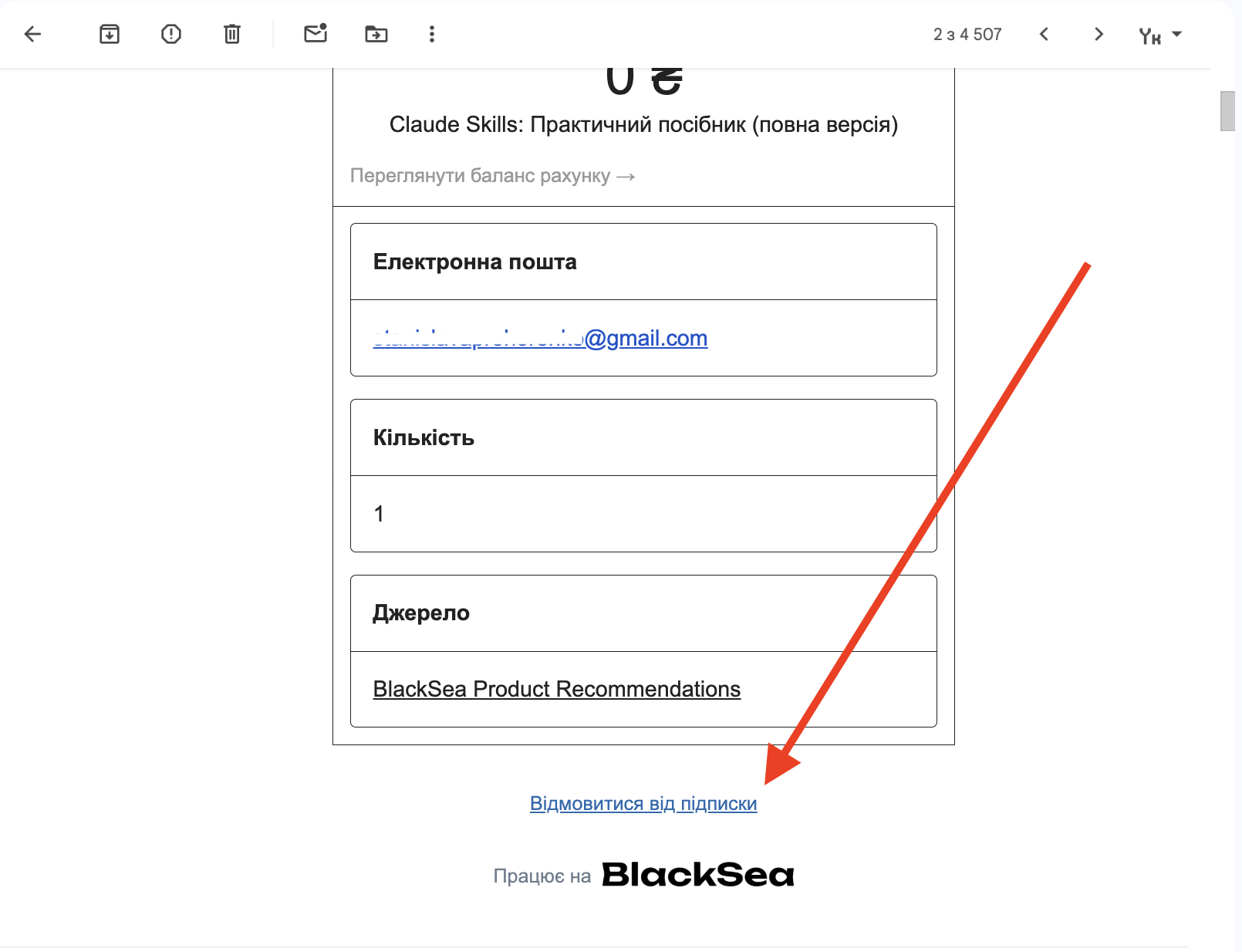
If you no longer want to receive update emails from the seller, click "Unsubscribe" at the bottom of the receipt.
Cancel a membership
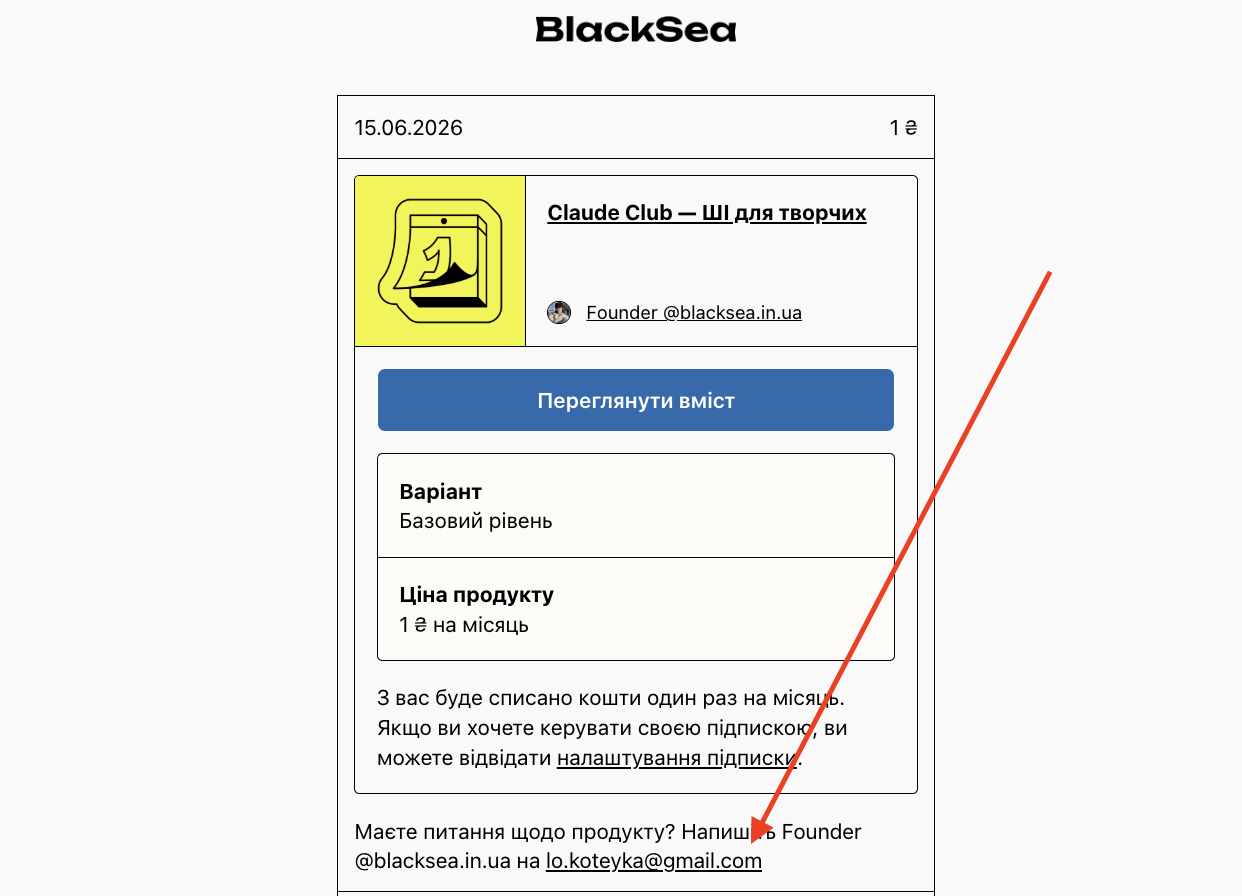
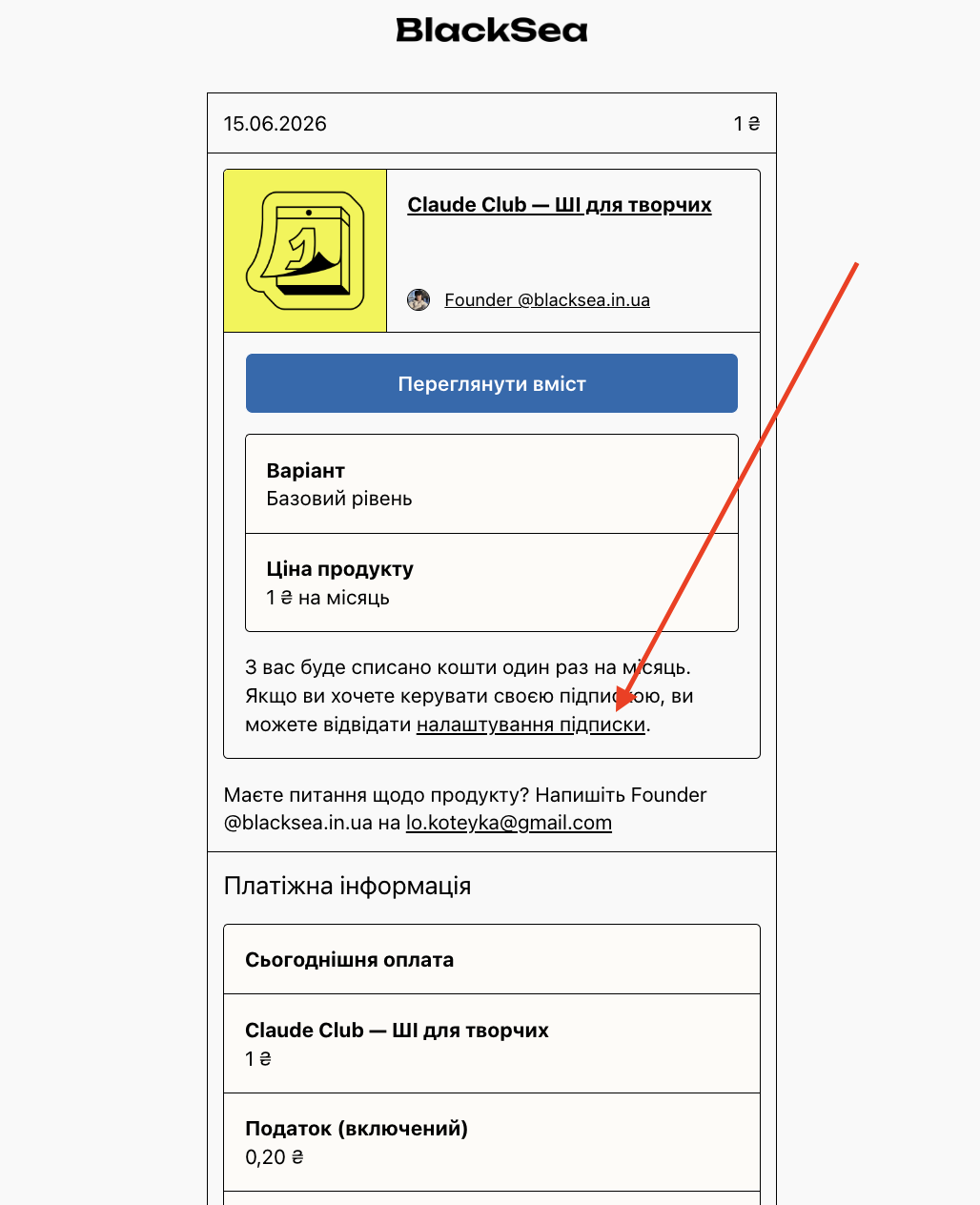
You can cancel a membership subscription before the next charge by opening the receipt and clicking "Subscription settings" or "Manage membership":
Contact the seller
If you run into a problem with your purchase, the seller's contact details are in your receipt — reach out to them about refunds or general questions about the product.