Help

Categories
The sales dashboard
In this article:
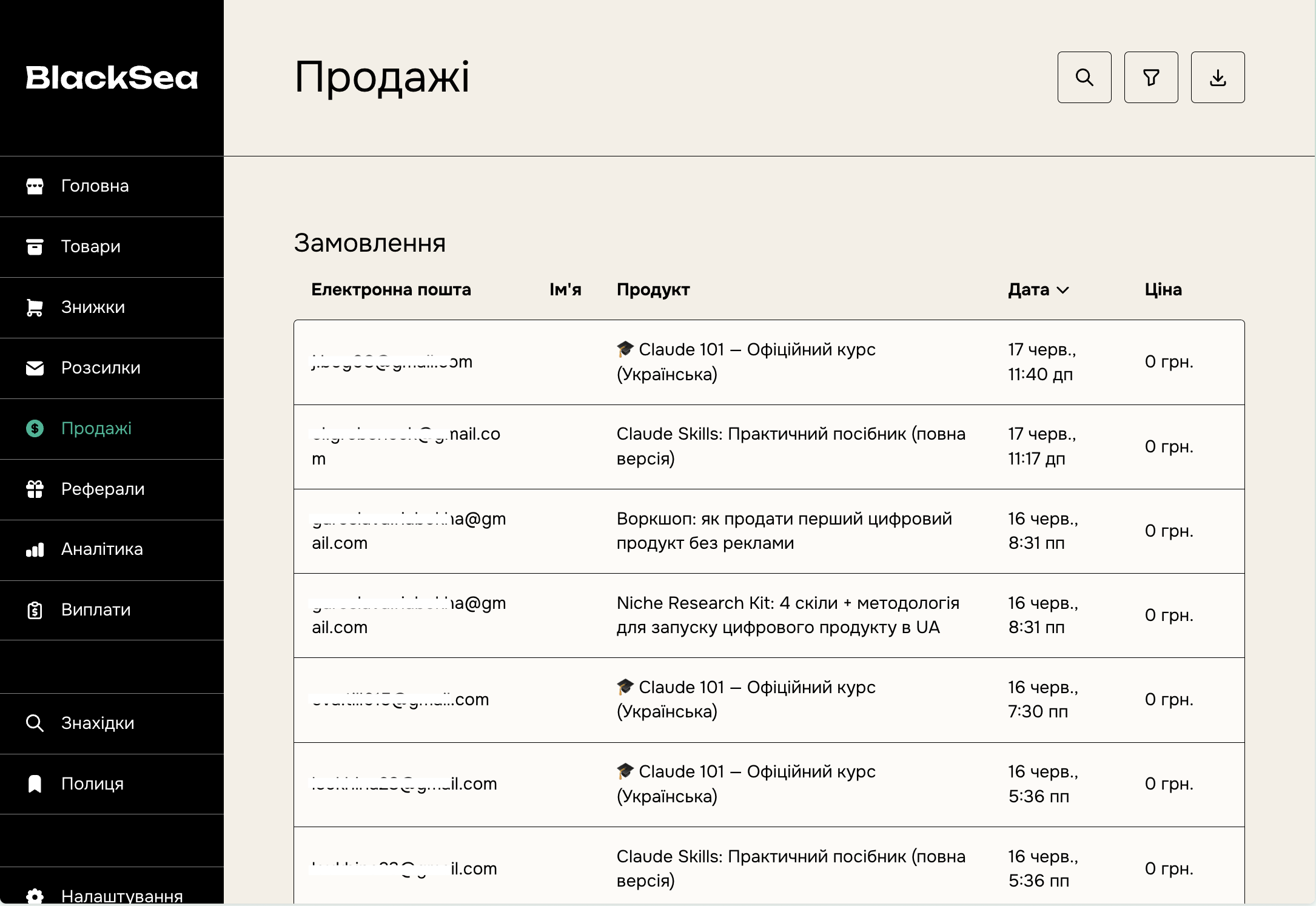
Whenever a new customer buys a product on your BlackSea, their email address and other details are added to the Sales dashboard. On this page you can view all customers and manage their details.
Search and filters
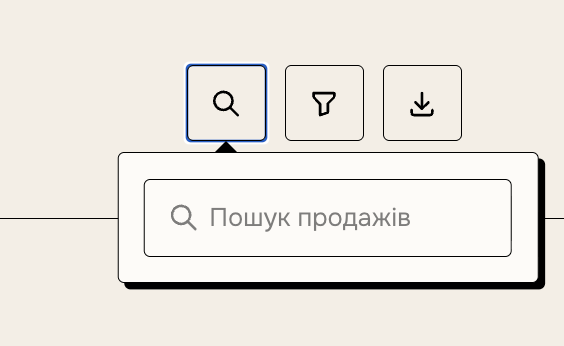
You can find a customer by name (if provided) or address using the magnifying glass icon in the top-right corner.
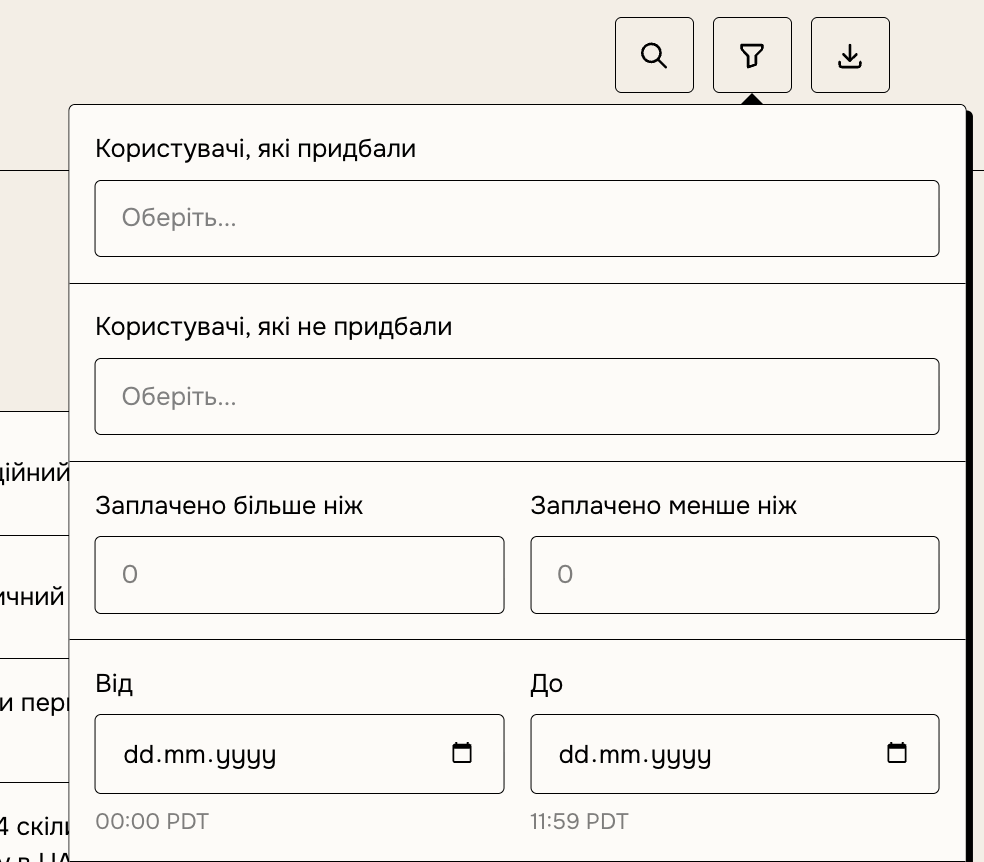
Customers can be filtered by:
- what they did or didn't buy;
- price;
- purchase date;
- country;
- customer activity.
An active customer is one who hasn't been refunded and hasn't unsubscribed from the product.
The customer card
You can see more information by clicking the customer's address.
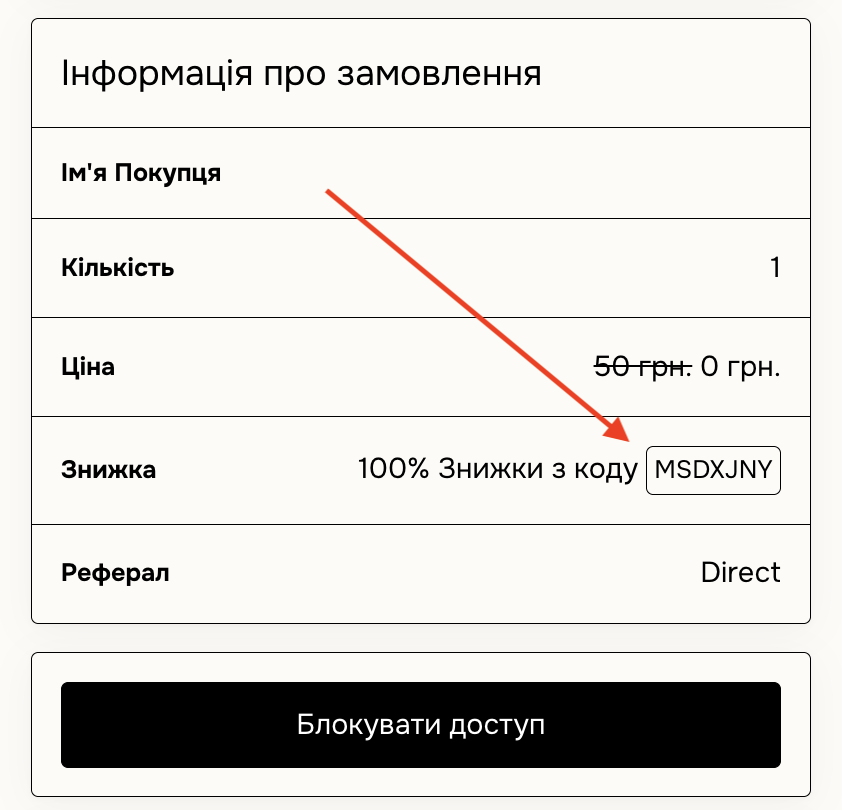
Discover or discount codes
Right under the product name, you can see whether the customer found the product through Discover, or whether a discount code was applied.
Editing a customer's address
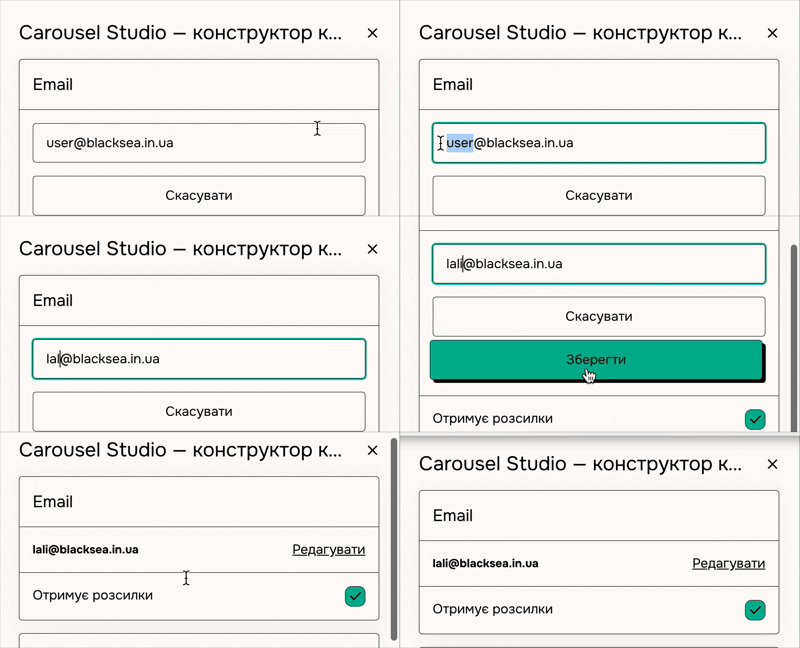
If a customer mistyped their address during purchase or wants to change their contact details, you can fix it. Click "Edit" next to the address, change it, and save.
We don't allow creators to edit the addresses of customers who created a BlackSea account during the purchase. In that case, write to [email protected].
You can also choose whether the customer receives your emails.
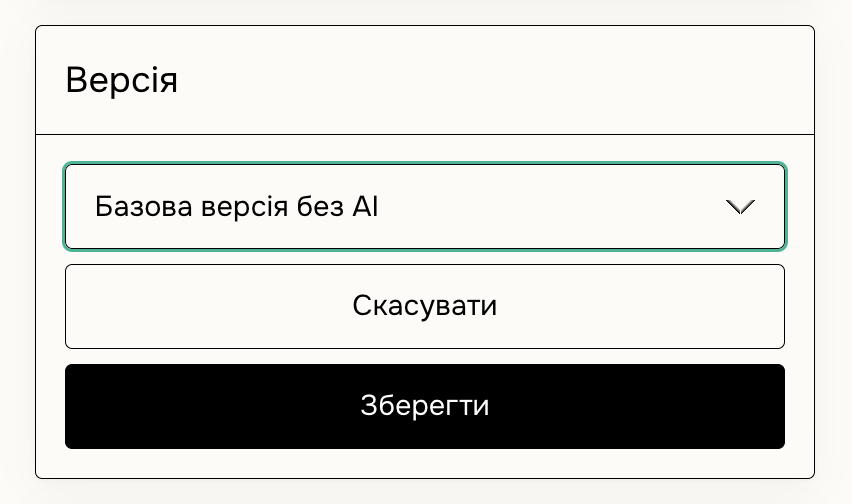
Tiers, versions, and variants
Depending on the product, you can reassign a customer to another tier or version. This doesn't charge or refund — it only changes the product type and the files the customer receives.
Managing license keys
You can disable a license key or change the number of seats for a multi-seat key.
Ratings
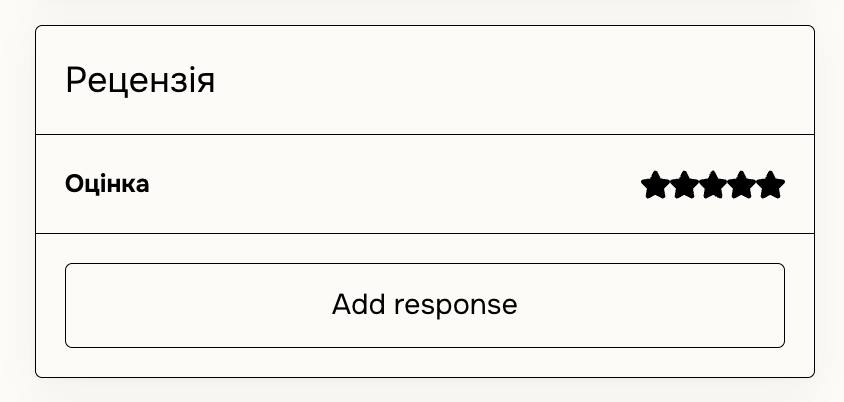
You can see how a customer rated your product. If you're not happy with the ratings, you can hide them all or refund the customer to automatically remove their rating. You can't hide a single rating.
Canceling a membership
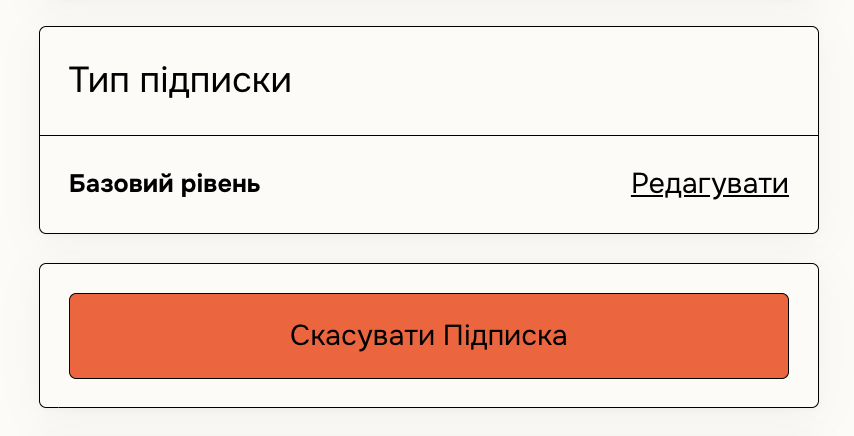
From here you can cancel a customer's membership by clicking "Cancel subscription".
To prevent subscriptions or completely delete a membership product, use these methods.
Resending emails and receipts
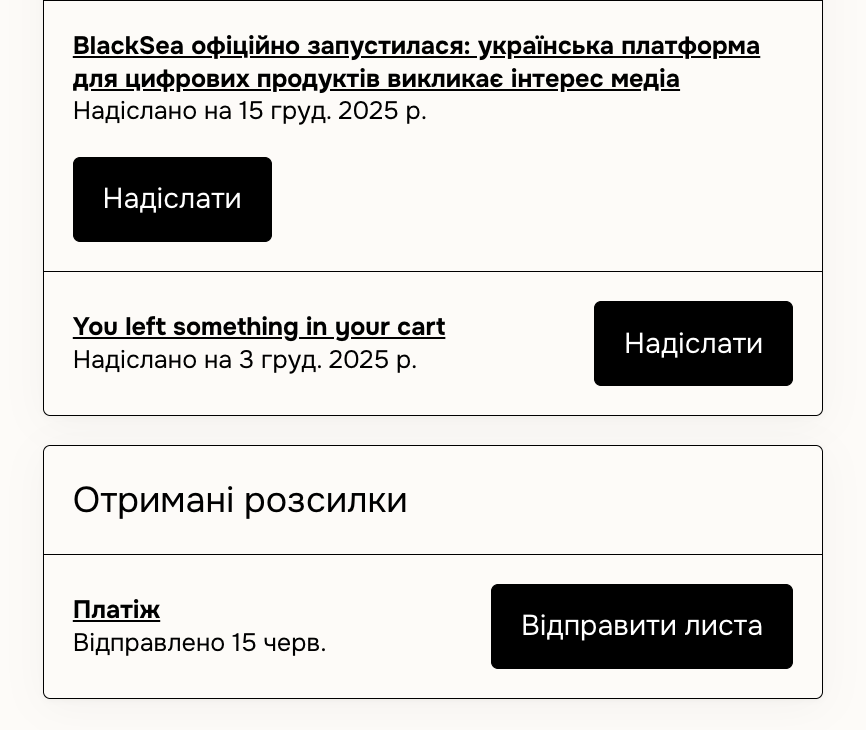
At the bottom of this section, you can resend emails and receipts. If a customer didn't receive a receipt, here are a few common reasons.
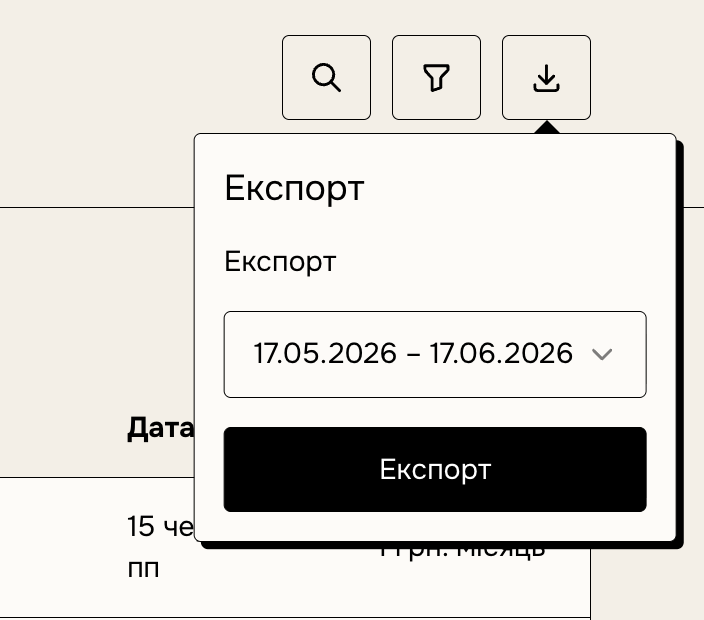
Export a sales CSV
You can download a CSV of your customers and their purchases for a selected period at any time. If the file isn't available immediately, it will be sent to your email. The CSV covers all sales of your products for the period, or you can download data for a single product. Note: filters applied to the page don't affect the export.