Help

How do I access my purchase?
In this article, we explain how to access your digital purchase from BlackSea. If you are trying to find out when your physical purchase will arrive, you will need to contact your product's creator.
Accessing from your receipt
To access a digital product, pull up your email receipt. Click the "View content” button to go to the product’s download page.
If you have not received an email receipt, please check your spam folder. If you still can't locate it, please contact us.
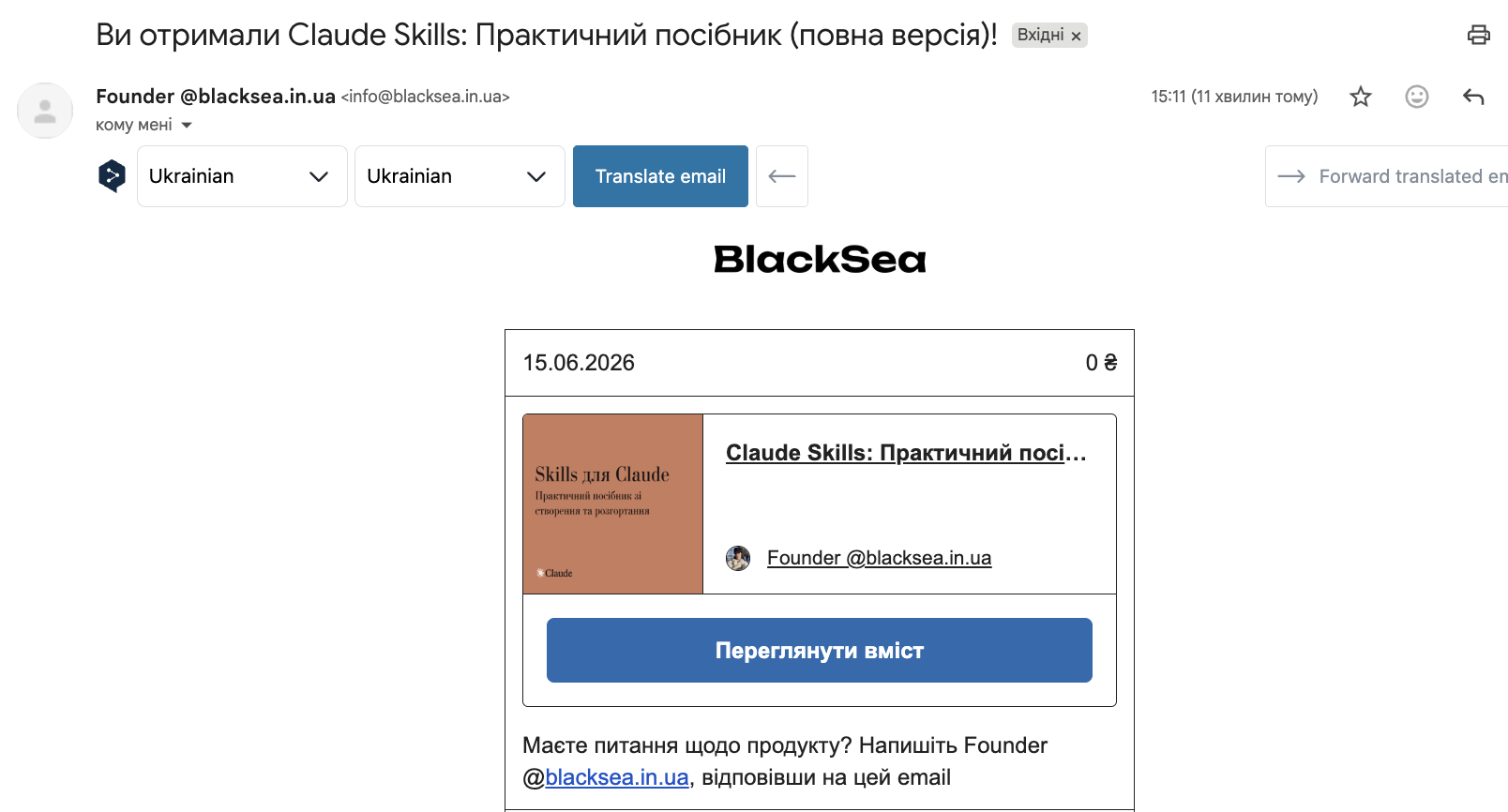
Before being redirected to the download page, you might be asked for your email address. Simply enter the email you used at checkout, and you should be able to access the download page.
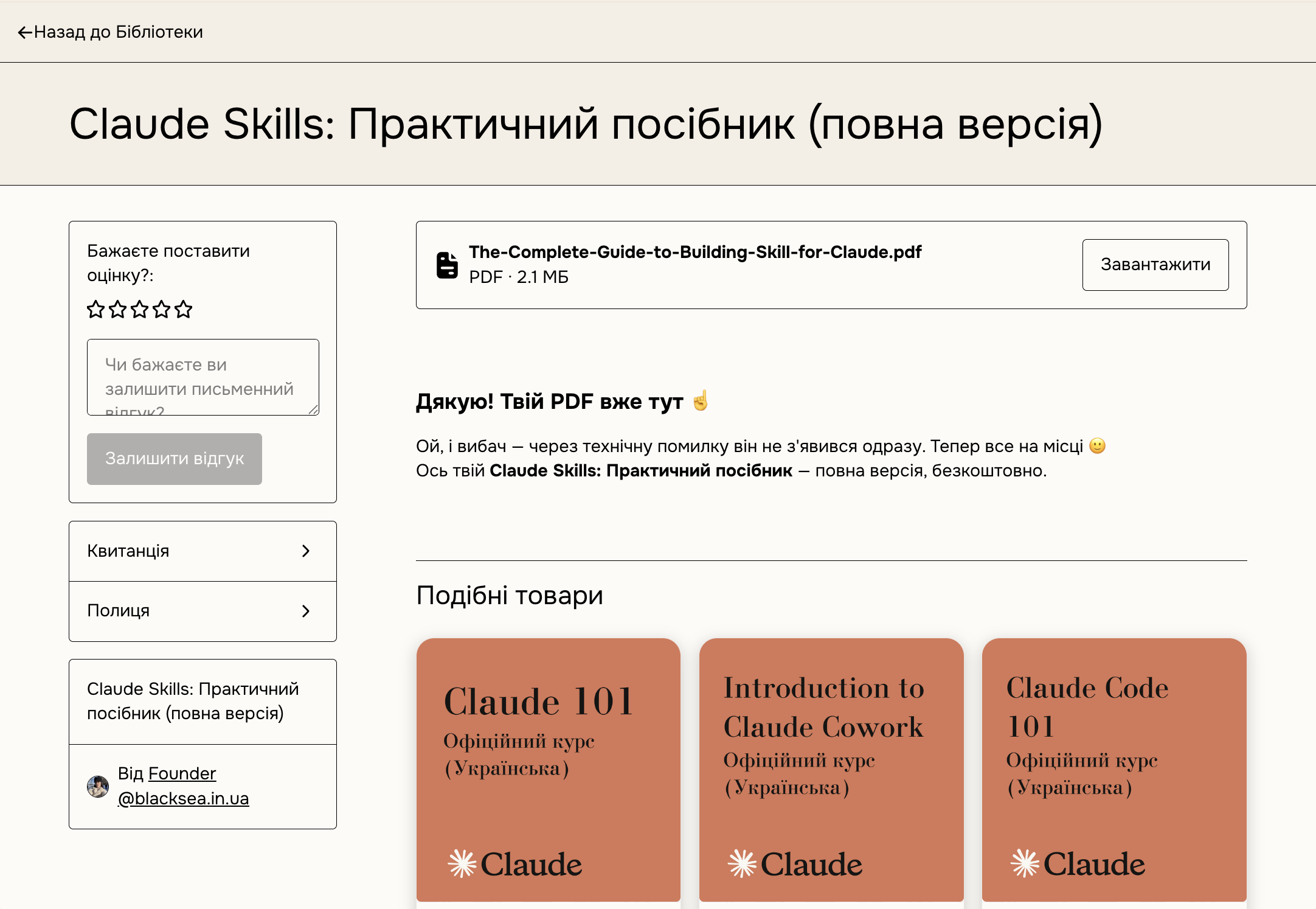
Accessing from the BlackSea Library
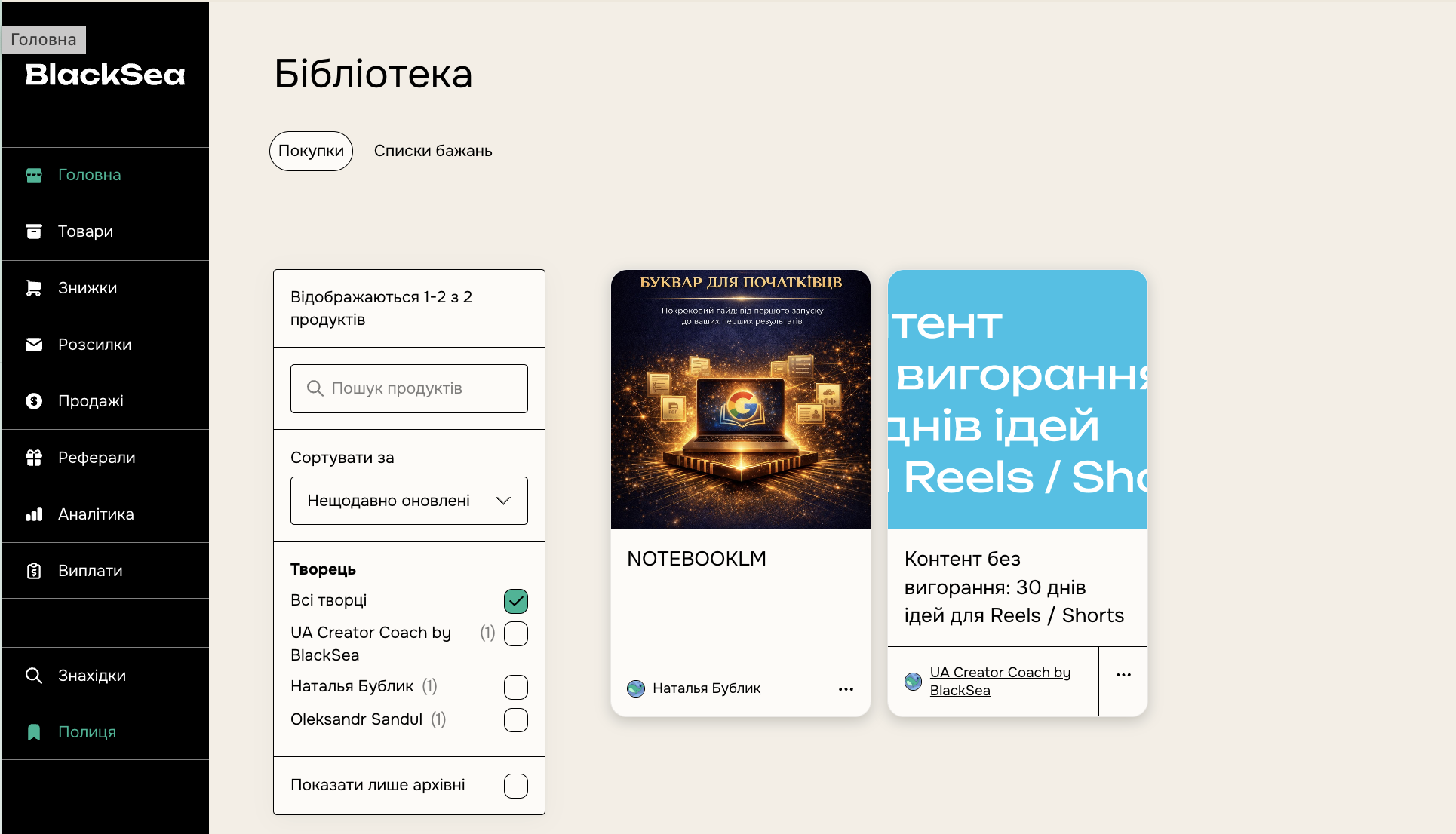
Alternatively, you can create a BlackSea account using the email address you previously bought your product(s) with. With a BlackSea account, you will be able to access your purchases at any time from your Library.